Archly.ai
AI Design Assistant for Architects
Drop in a sketch, screenshot, or render. Get back a polished architectural visualization, or edit the one you already have.
- Sketch → presentation-ready render in seconds
- Swap materials, lighting, time of day
- Add people, trees, snow, context
- 20+ AI models, one interface
- Architecture-specific training data
See Archly in Action
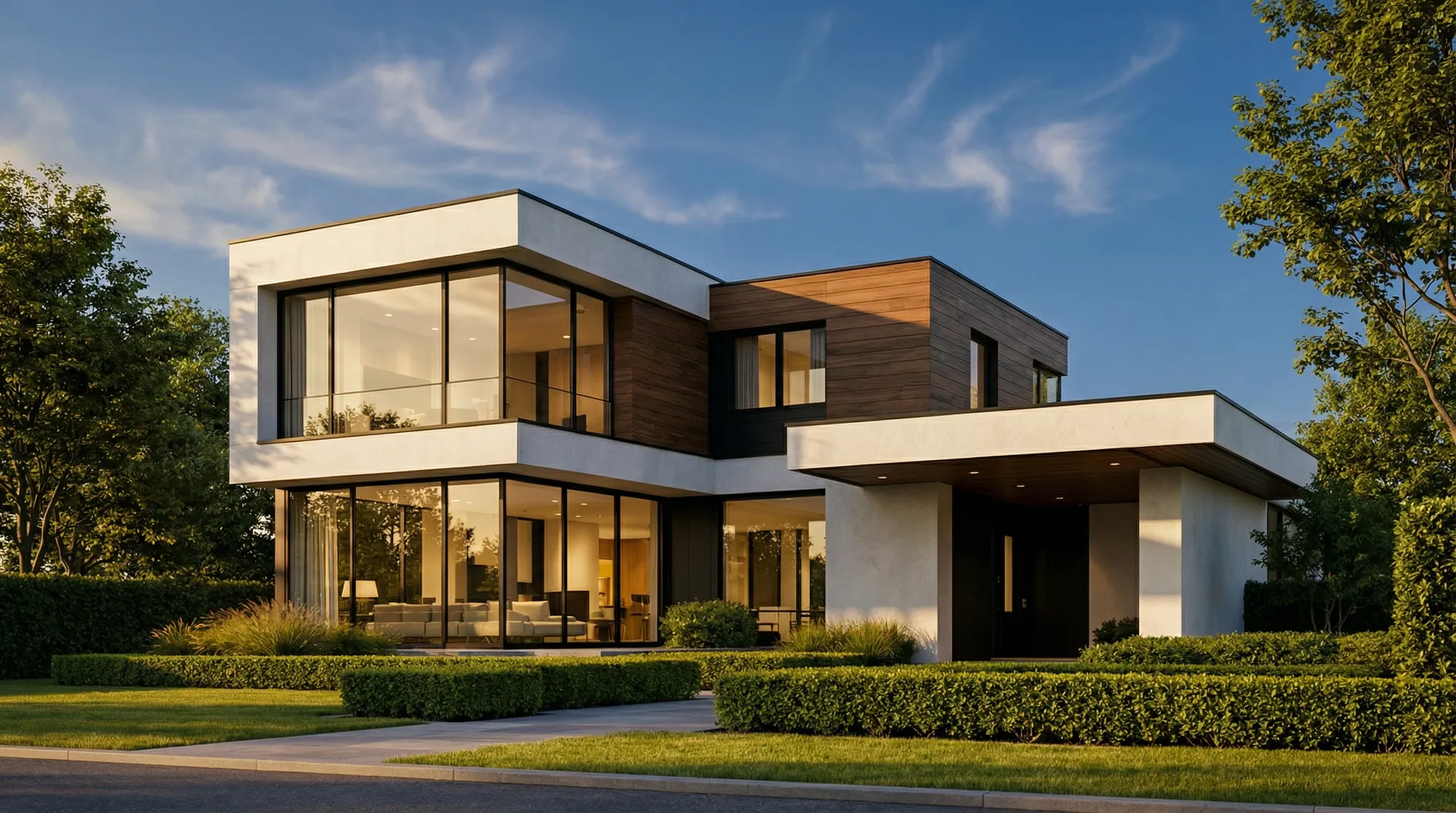 Daytime
 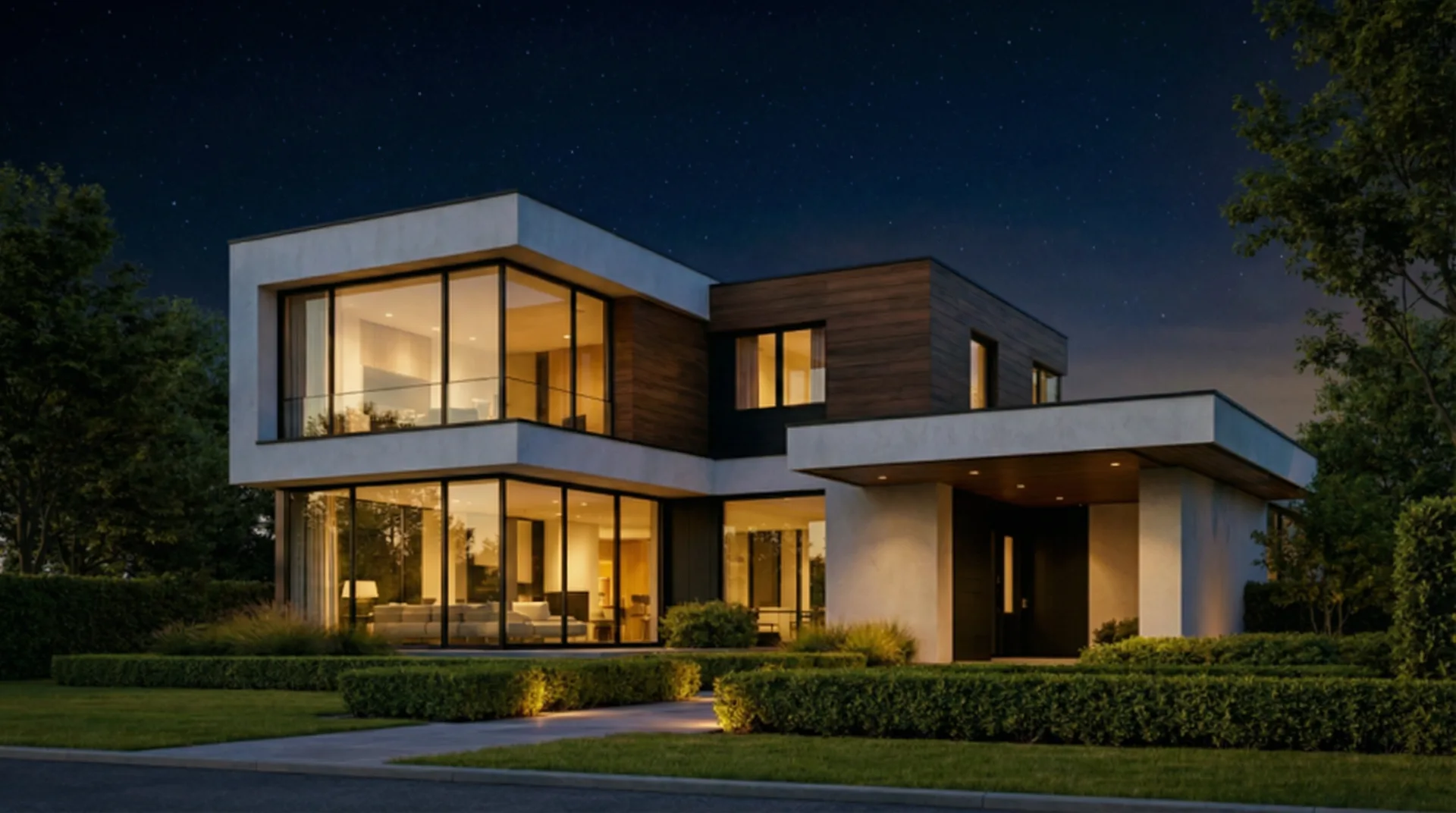 Nighttime
 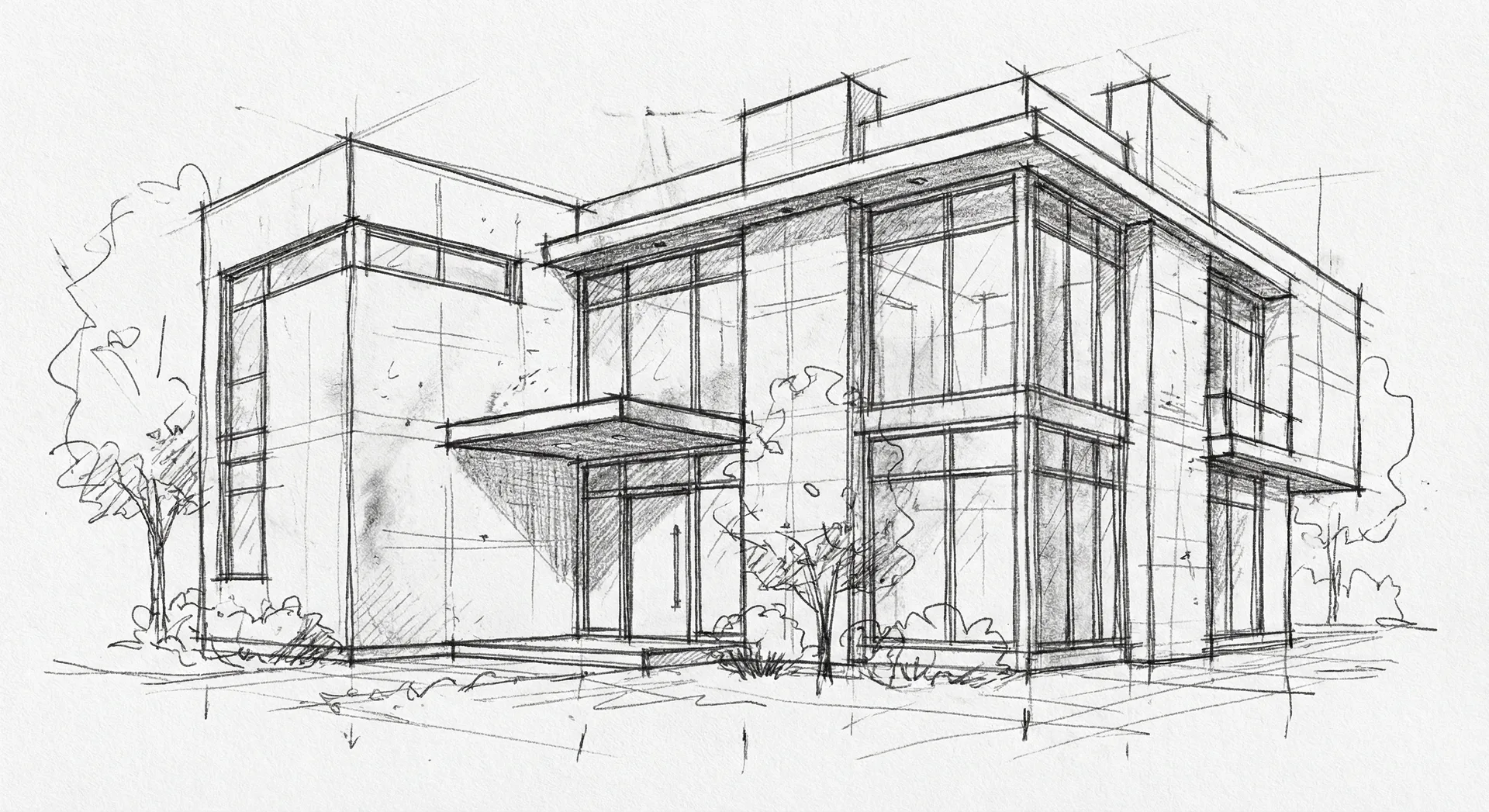 Pencil Sketch
 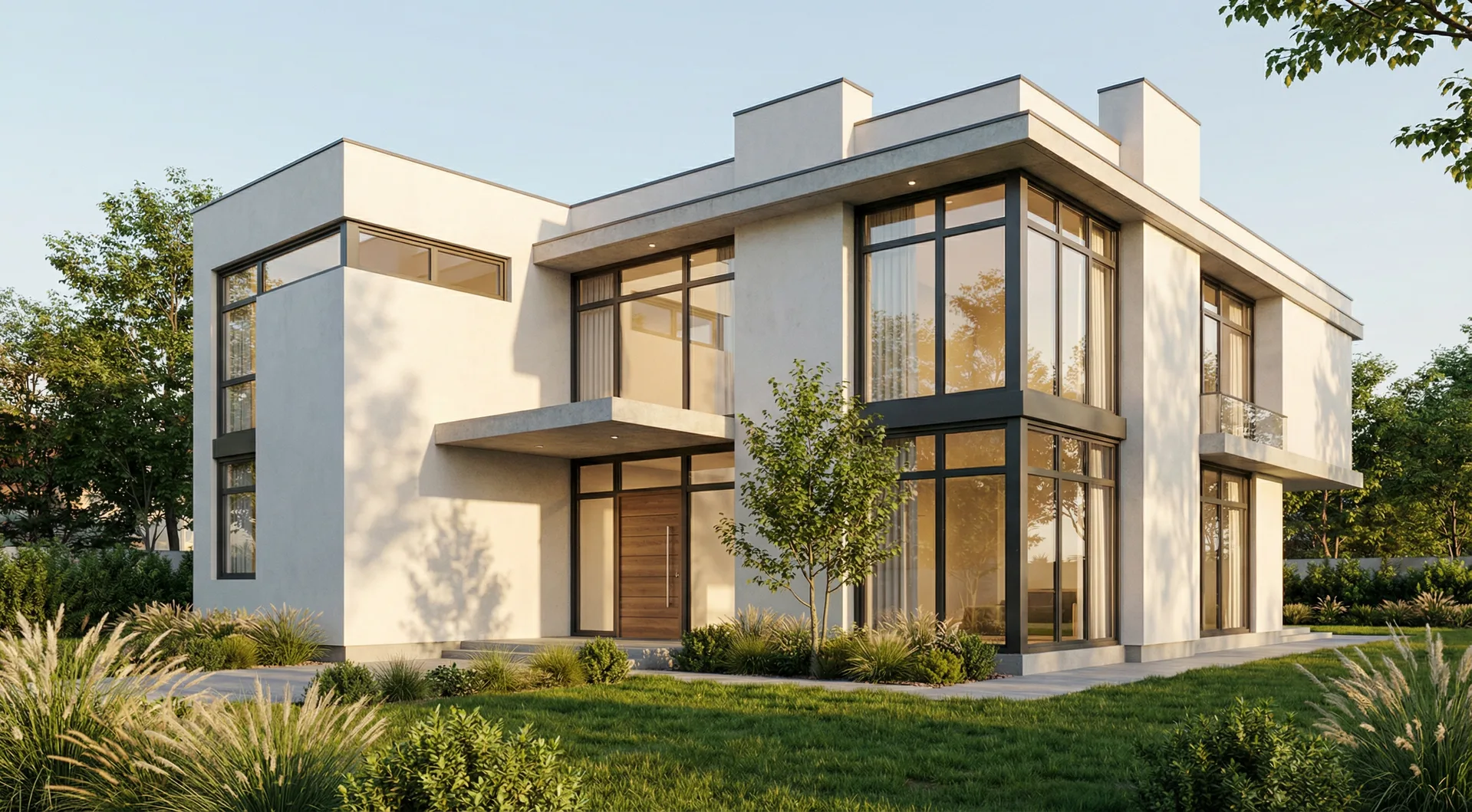 AI Render
 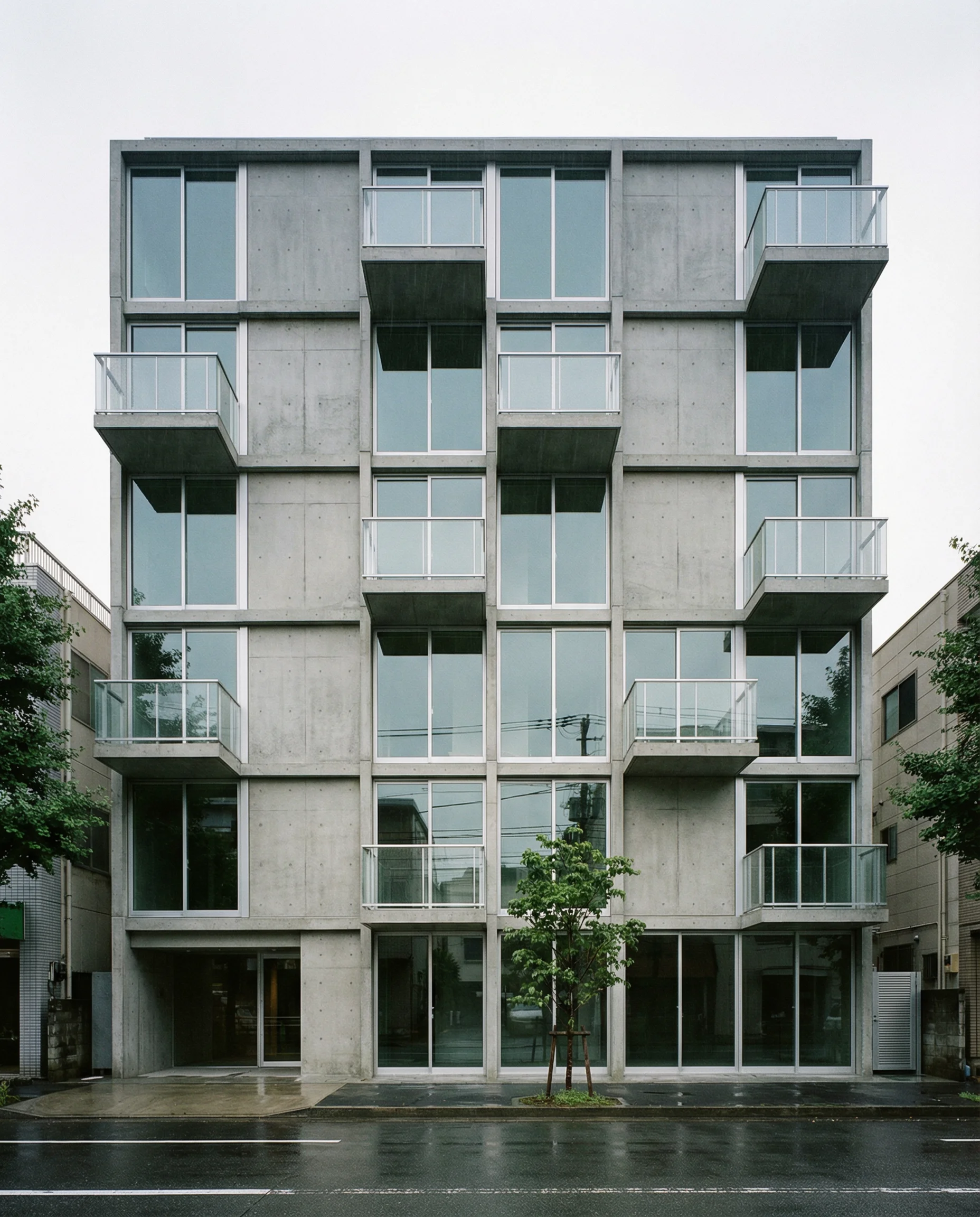 Concrete
 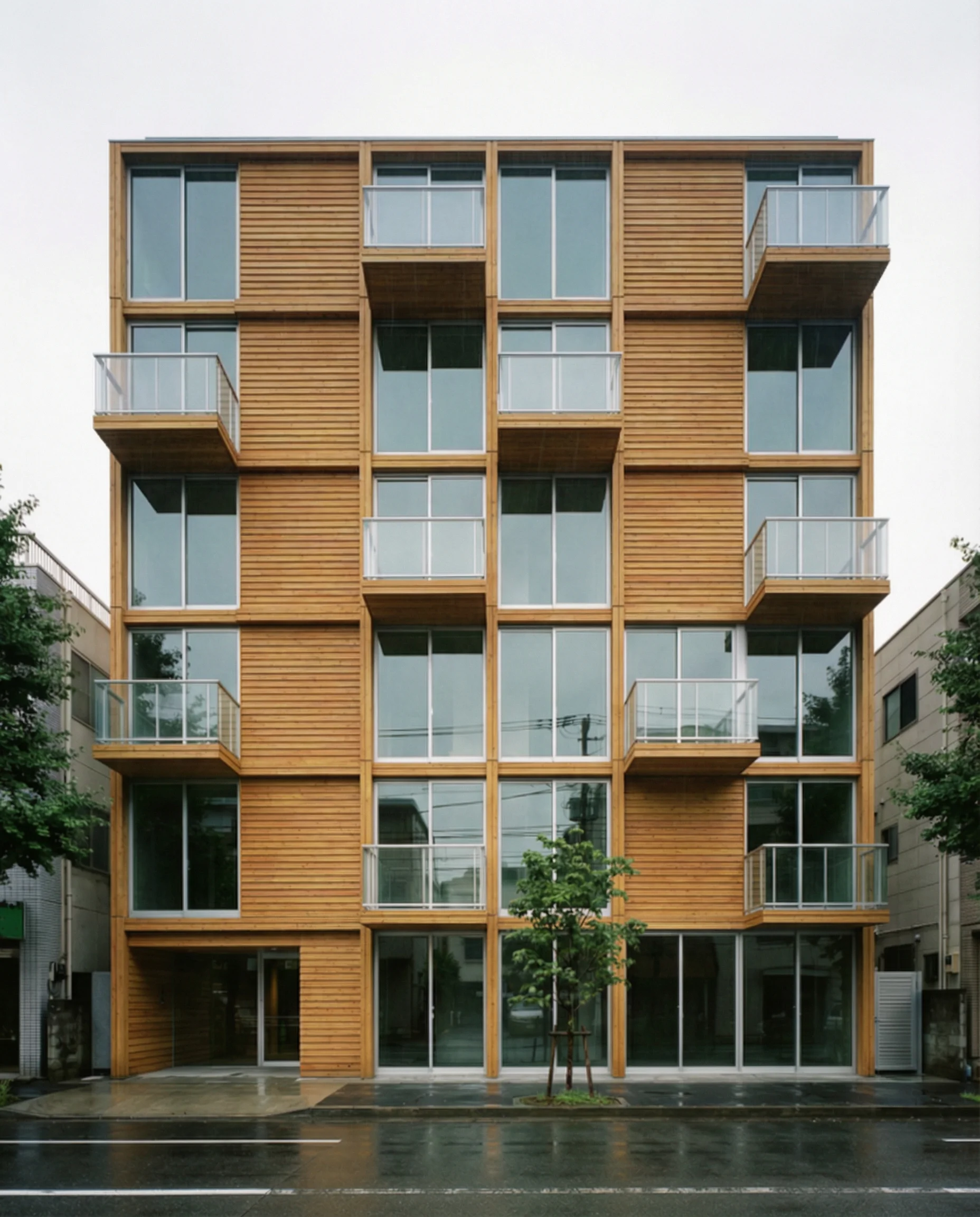 Timber Cladding
 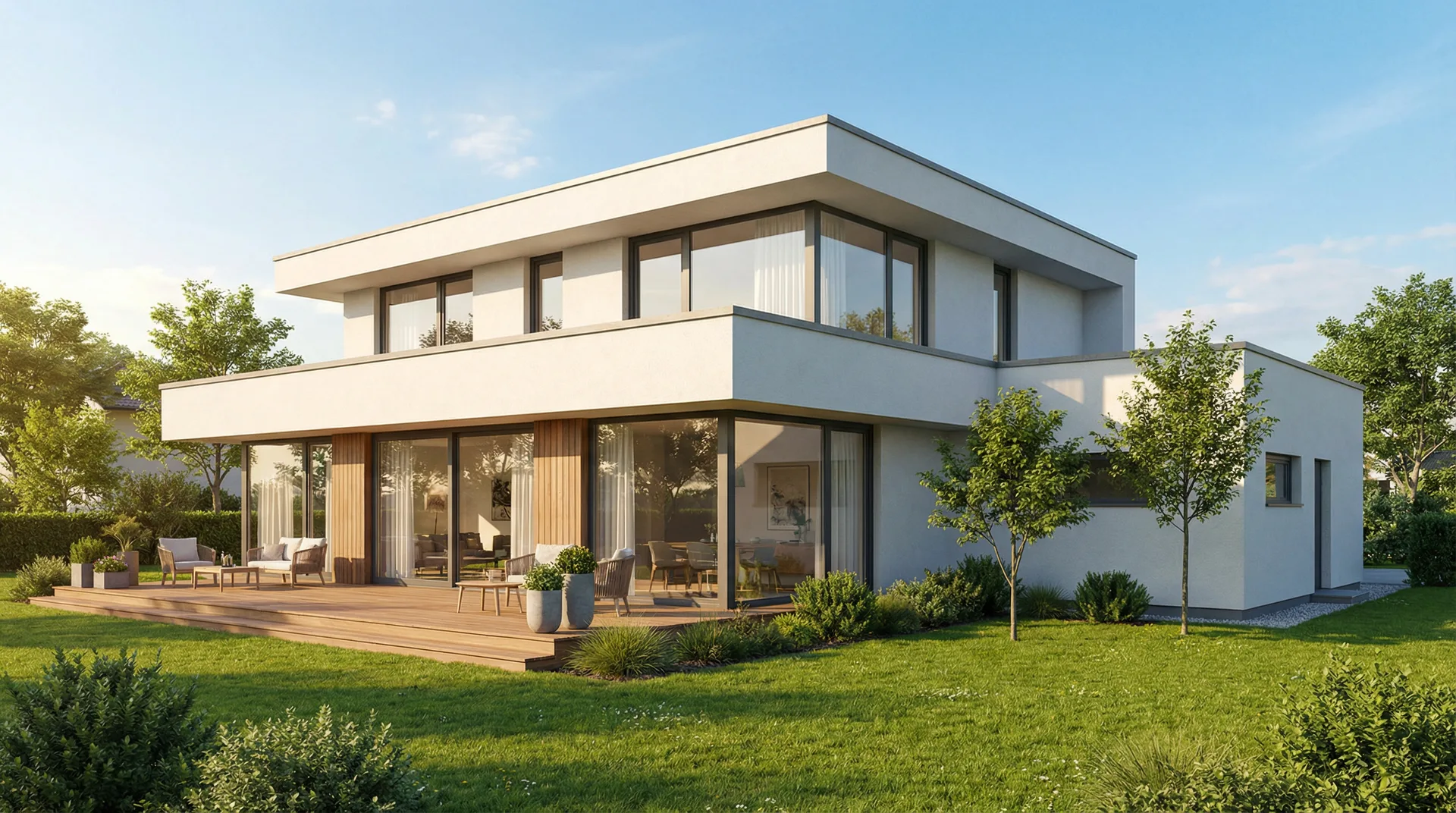 Summer
 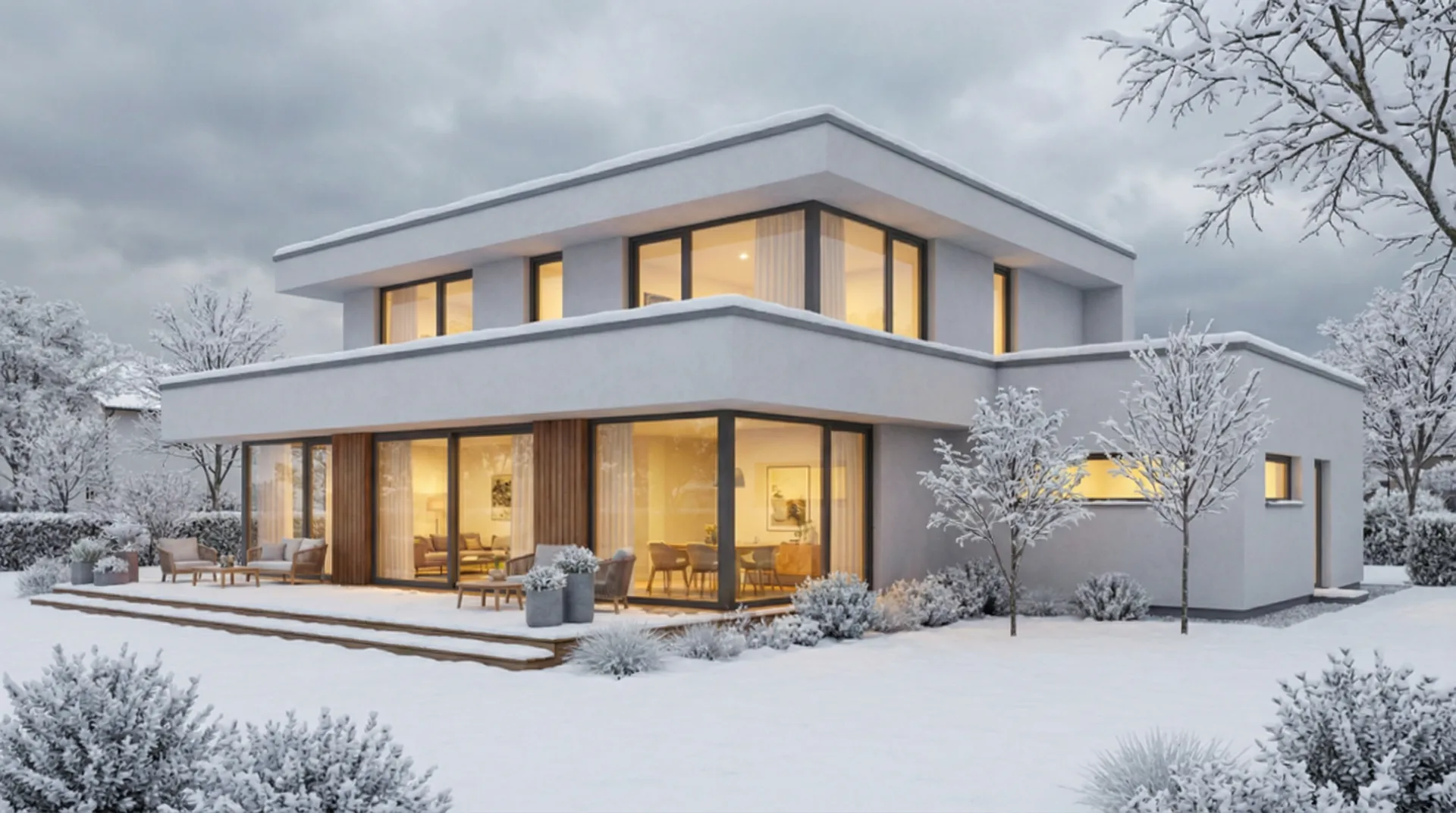 Add Snow
 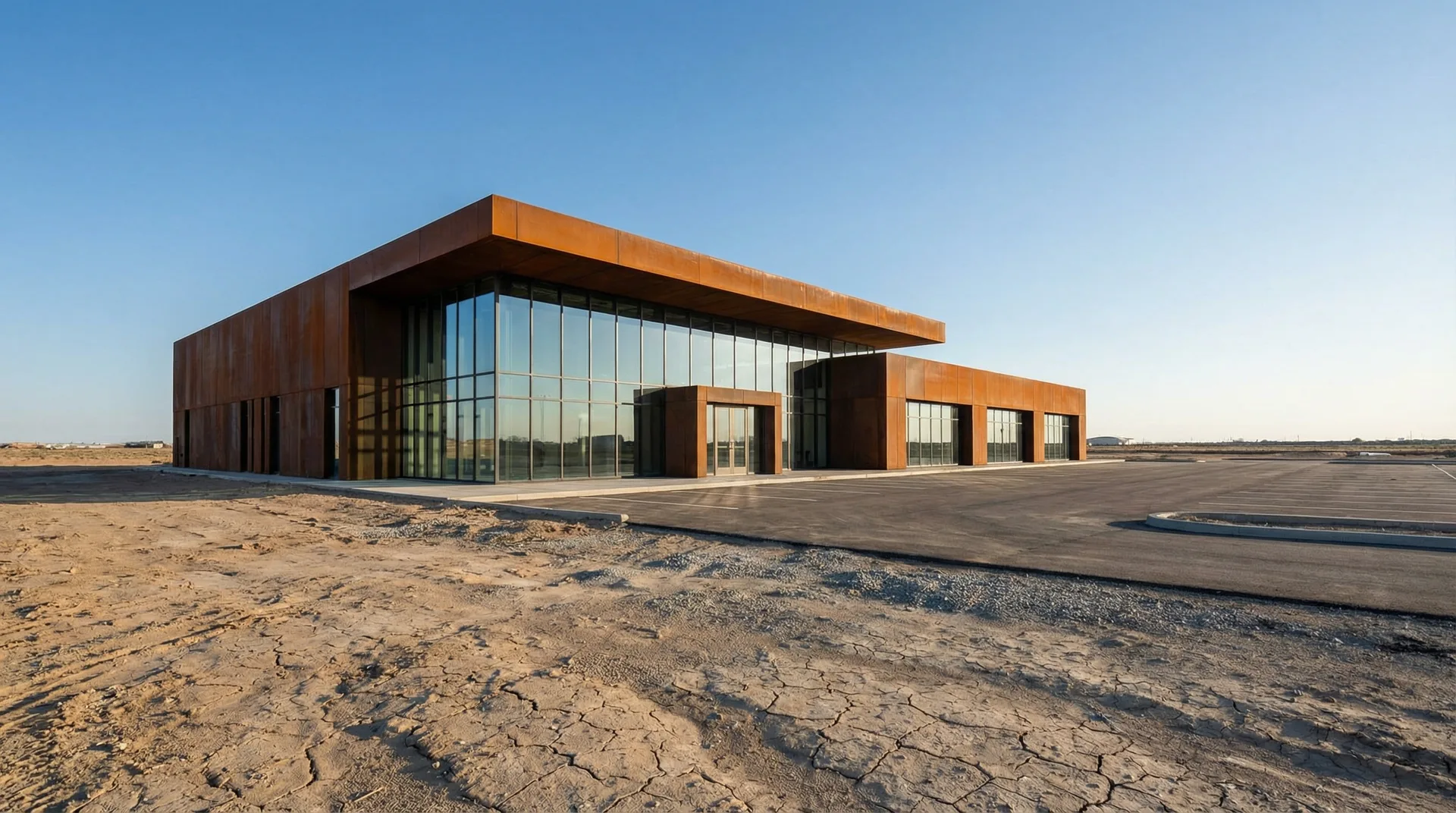 Bare Site
  Add Vegetation
 How It Works
Upload
Sketch, photo, screenshot, text prompt, or displacement map. Any starting point works.
Generate
Archly picks the right AI model and applies architecture-specific training automatically.
Iterate
'Add snow.' 'Make it night.' 'Swap to timber.' Each edit builds on the last; no restart needed.
Who It's For
Faster iterations
From sketch to presentation render in seconds. No render farm needed.
- Sketch to render
- Material and lighting changes
- Client-ready visuals
Explore more ideas
Architecture students and designers can test concepts quickly and communicate ideas clearly.
- Any image as starting point
- Style and mood exploration
- Portfolio-ready output
Your space, your way
Creatives and anyone iterating on their home or project can visualize changes before committing.
- Simple upload and describe
- Material and atmosphere tweaks
- No prior software needed
Core Capabilities
Multi-Model Routing
Different AI engines for rendering, editing, and generation. Archly picks the best one for each task; you never need to choose.
Architecture-Trained
Every model enhanced with our own architectural layers. Outputs understand scale, materiality, and spatial logic, not just aesthetics.
Non-Destructive Editing
Swap materials, change time of day, add elements. Each edit preserves the underlying composition. Nothing is lost.
Advanced Workflows
Beyond rendering: tools that extend your design pipeline from concept to presentation.
Multi-Angle Generation Coming Soon
Upload one render and generate the same building from different perspectives. Front, aerial, street-level, interior: all from a single input image.
Image → 3D Preview Coming Soon
Turn any 2D render into a navigable 3D preview. Orbit around your design, inspect from any angle. Export as .glb for presentations.
Batch Processing Available
Generate 4-16 variations from a single prompt. Compare material options, lighting scenarios, or style directions side by side.
Style Transfer Available
Upload a reference image: Tadao Ando's concrete, Zaha's curves, a mood photo. Archly applies that visual language to your design.
Walkthrough Animation Available
Turn any still render into a cinematic walkthrough or fly-around animation. One image in, 4-second architectural video out.
4K Upscaling Available
Take any AI-generated image to print resolution. 4x upscale with architectural detail preservation: no blur, no artifacts.
Your Ideas, Visualized Faster
Stop waiting for renderers. Explore more concepts earlier in the process.
Design Modes
Example workflows we built by analyzing what designers and architects want to do: e.g. sketch to render, style transfer, material swap. These modes are coming soon and will be integrated into Archly step by step.
Sketch → Render
Upload any sketch: napkin, iPad, SketchUp screenshot. Archly detects edges and spatial structure, then fills in materials, lighting, furniture, and context. Works at any sketch quality, from rough concept to refined line drawing.
Image Edit
Start from an existing render or photo. Describe what to change: 'swap the facade to timber', 'make it night', 'add a rooftop garden'. Archly edits the specific region while preserving the rest of the composition. Stack multiple edits without losing quality.
Text → Design
Type a description of what you want. Archly generates four variations. Pick one and refine: 'make the courtyard larger', 'add a second floor'. Each iteration builds on the previous result, so the design evolves through conversation.
Moodboard
Combine reference images, AI-generated visuals, and material palettes into a shareable design board. Drag, arrange, and annotate. Export as PDF for client presentations or PNG for sharing.
Powered By
20+ AI engines, one interface. Archly routes to the right model for each task automatically.
Archly routes to the best model based on your input type and desired output.
FLUX.2 Pro
Black Forest LabsPhotorealistic exterior renders
RenderingStable Diffusion 3.5
Stability AIStyle variation and creative exploration
GenerationCogView 4.5
ByteDance / Zhipu AIArchitecture-trained, structural awareness
ArchitectureIdeogram 3.0
IdeogramPrecise text-prompt generation
Text-to-ImageWalkthroughs, inpainting, and 4x upscaling from a single input.
Kling 2.8
KuaishouSmooth architectural walkthroughs
WalkthroughsRunway Gen-4
RunwayCinematic camera motion
MotionLeonardo AI
LeonardoPrecise element editing
InpaintingNanoBanana Pro
NanoBanana4x upscale to print resolution
UpscalingGallery
Every transformation generated by Archly AI.
Simple Credits
Pay per generation. No subscriptions. Credits never expire.
1 credit = 1 generation or edit. Beta users get 20 free credits.
Frequently Asked Questions
What file formats does Archly support?
Archly accepts PNG, JPG, TIFF, and PSD files. You can upload sketches, renders, photos, or screenshots from any 3D software. Output is available in PNG and TIFF at up to 4K resolution.
How is Archly different from Midjourney or DALL-E?
Unlike general-purpose AI image generators, Archly is trained specifically on architectural imagery. It understands building typologies, materials, lighting conditions, and spatial context — producing results that architects can actually use in presentations.
Can I control the output style?
Yes. Archly offers multiple design modes including photorealistic, watercolor, pencil sketch, and diagram styles. You can also fine-tune materials, lighting angle, time of day, and weather conditions.
How many credits do I need per render?
Standard renders use 1 credit. High-resolution (4K) renders use 2 credits. Material swaps and lighting changes on existing renders use 0.5 credits each.
Is my uploaded work private and secure?
Absolutely. All uploads are encrypted in transit and at rest. Your designs are never used for model training. You can delete your data at any time from your account settings.
What Architects Say
“Archly cut our presentation prep time from days to hours. The material swap feature alone saved us on the last competition.”
“Finally an AI tool that understands architecture. The renders actually look like buildings, not AI hallucinations.”
“We use Archly for early-stage client presentations. Upload a sketch, get 10 variations in minutes. Clients love the options.”
From Sketch to Presentation in Minutes
Upload your concept, describe what you want. Archly handles the rest. 20+ AI models, architecture-trained, one interface.