Learn From Us
Professional training in computational design, AI visualization, and digital fabrication. Hands-on courses taught by practicing architects and developers. From beginner to advanced.
3D & Scanning
Photogrammetry, LiDAR, Digital Twins
AI Visualization
ComfyUI, Stable Diffusion, LoRA Training
Parametric Design
Grasshopper, Houdini, Unreal Engine
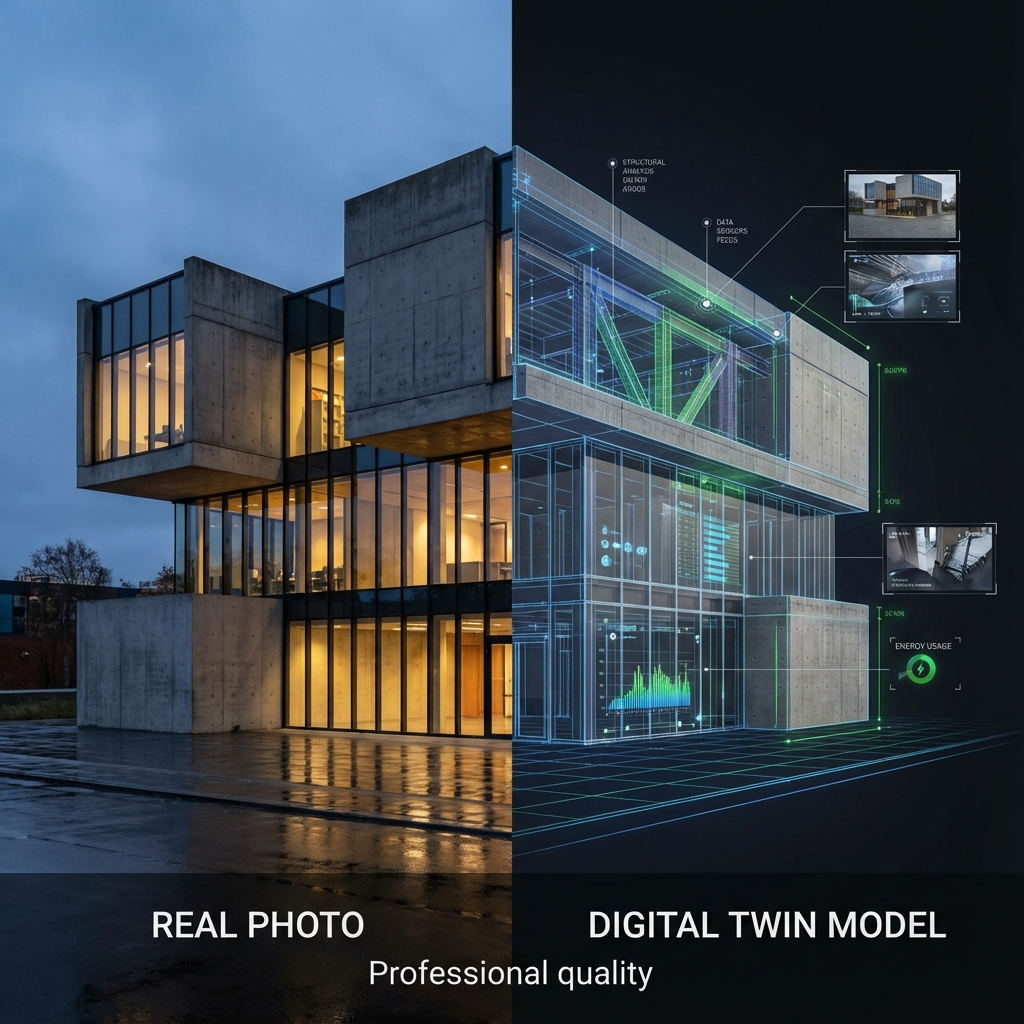
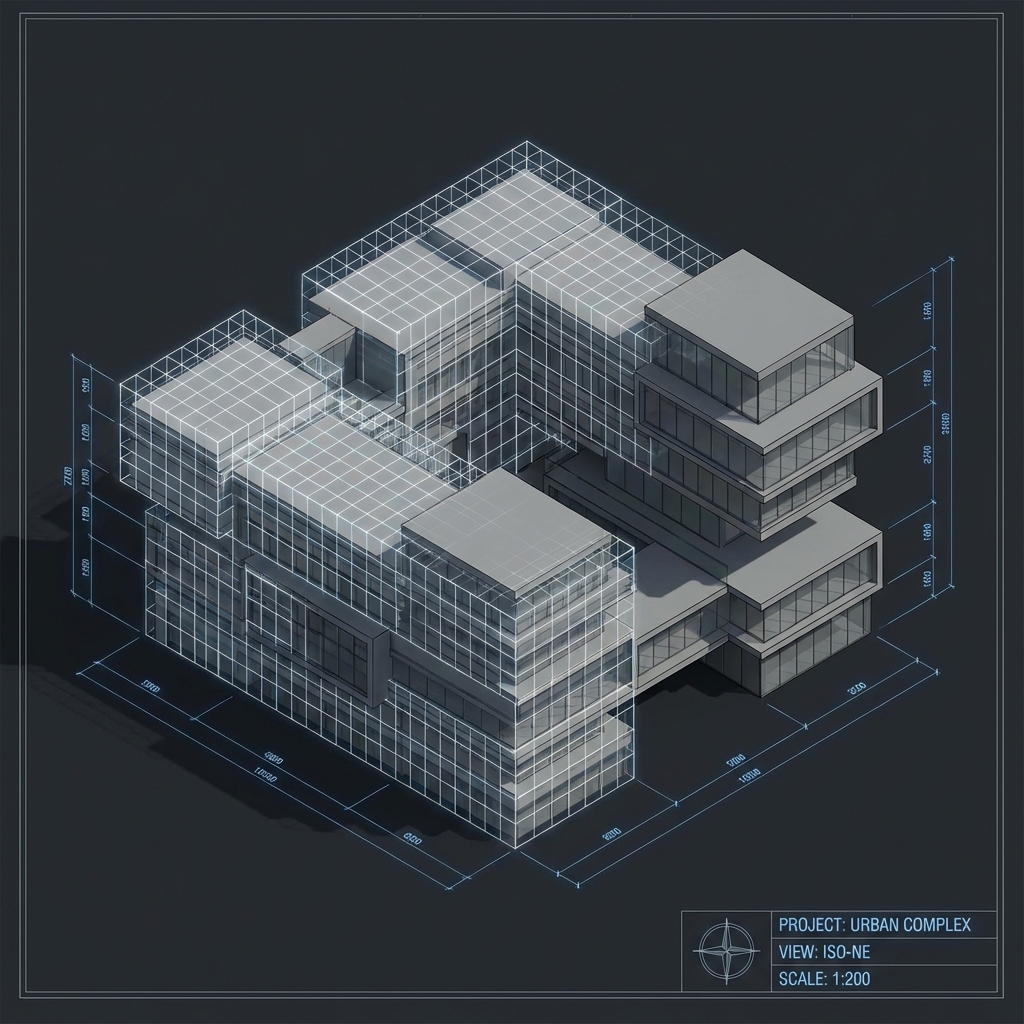
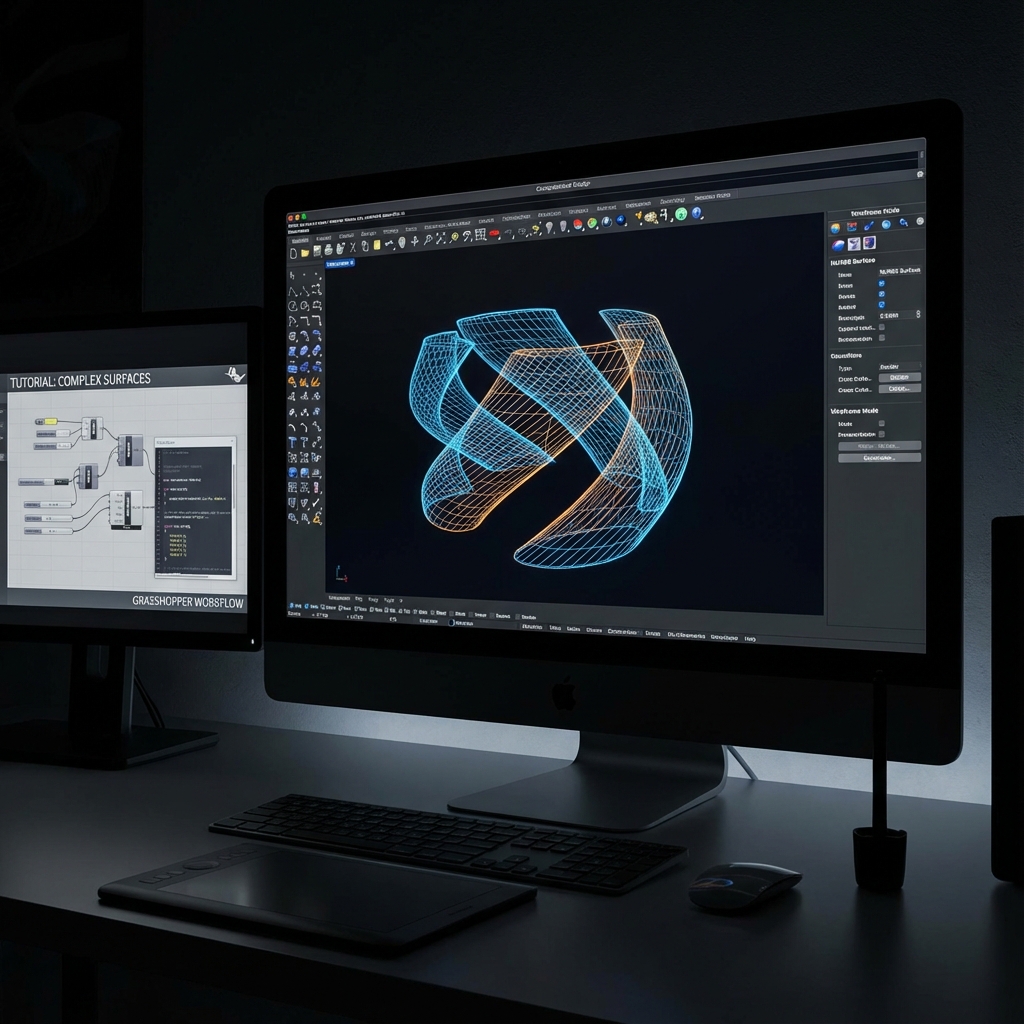
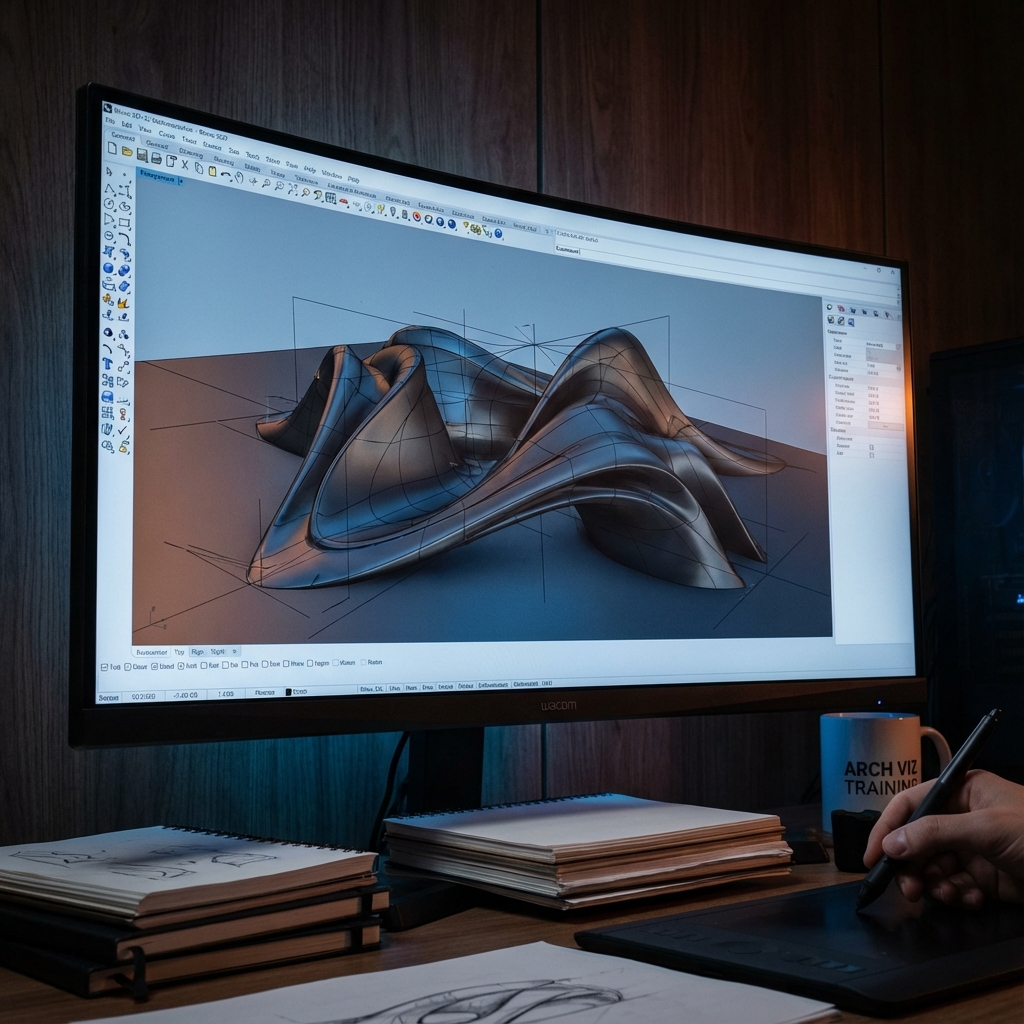
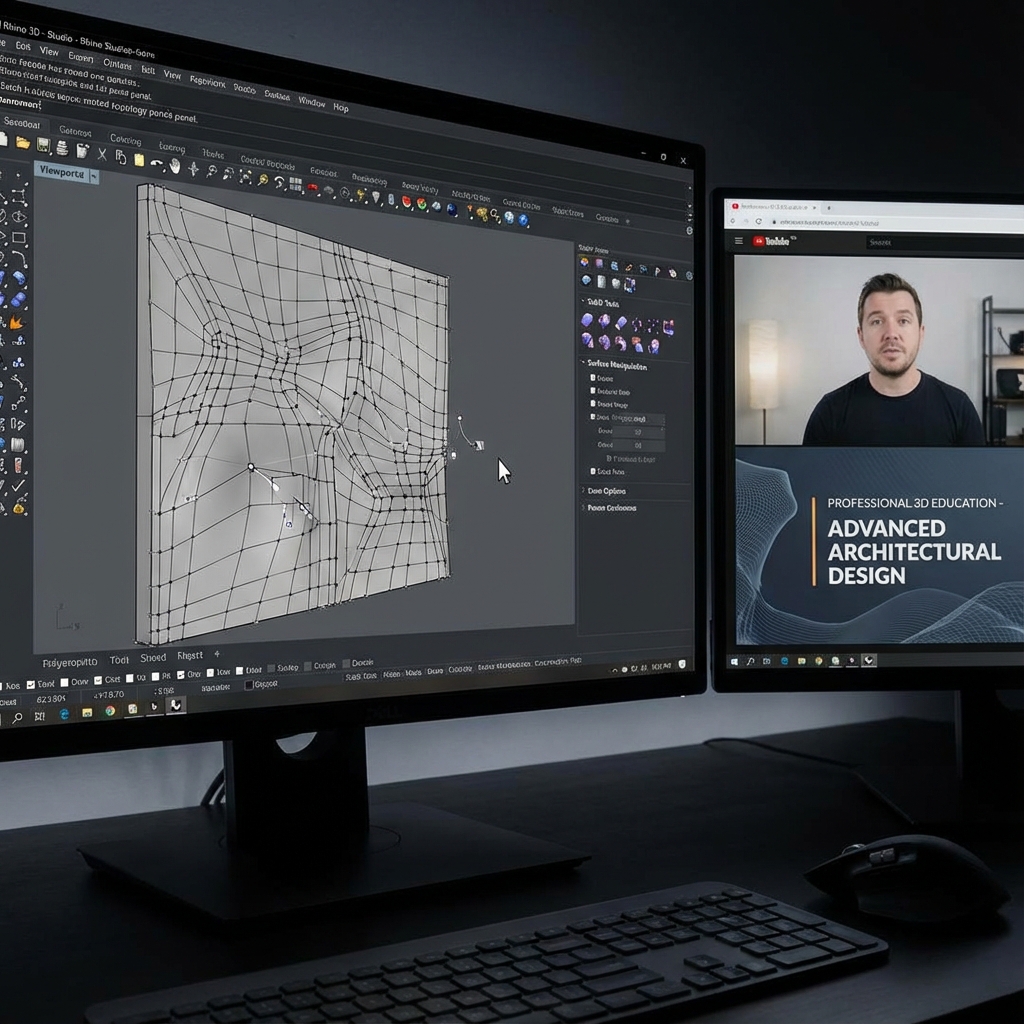
3D Modeling & Digital Twins
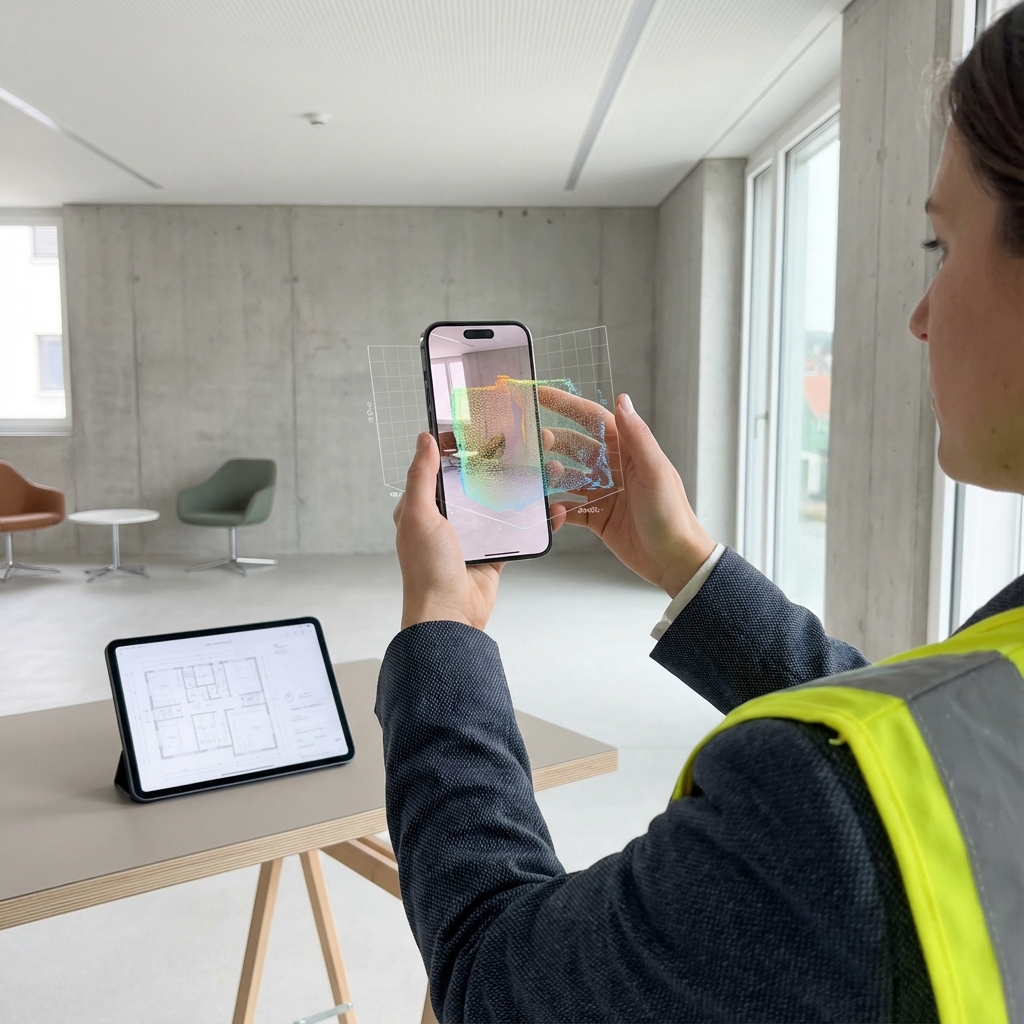
Master the complete pipeline from physical reality to production-ready 3D assets. Using your smartphone or professional cameras, learn to capture any space or object with photogrammetric precision.
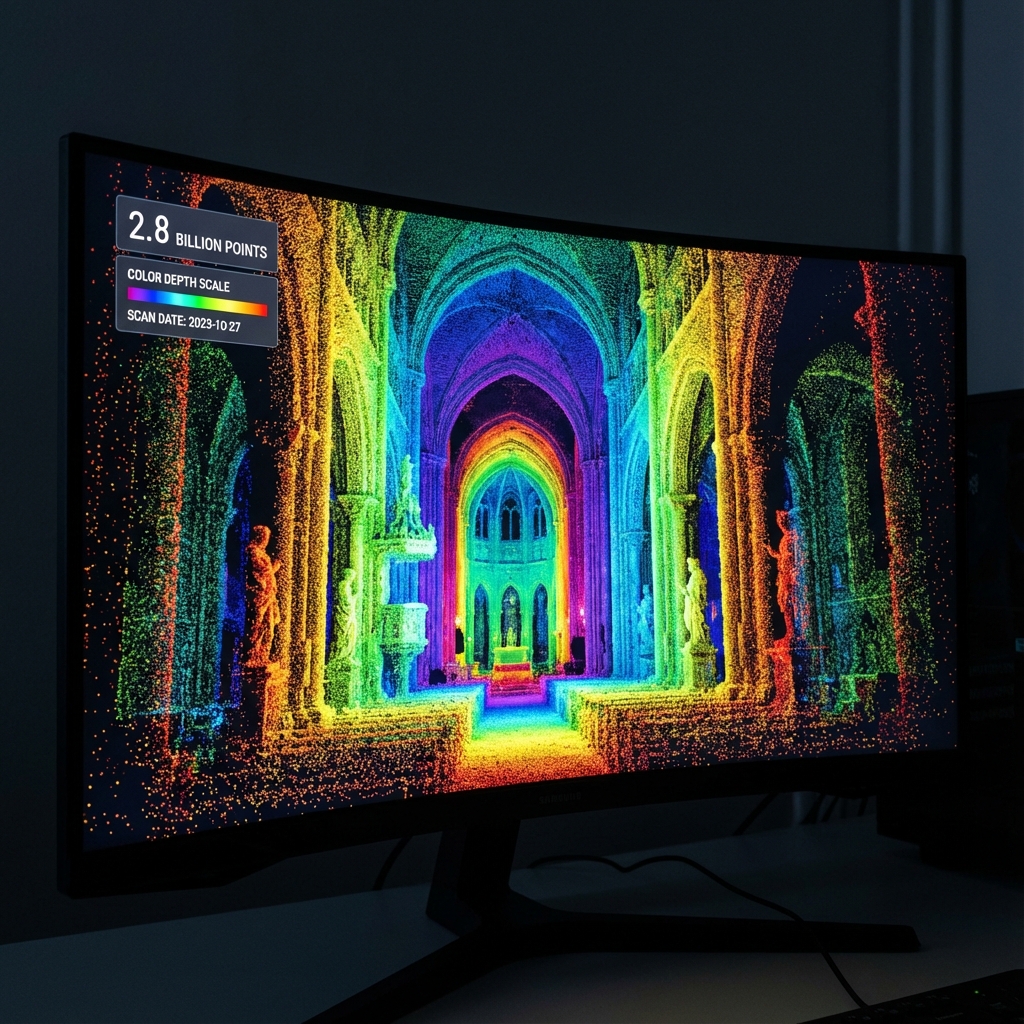
We start with the fundamentals of image-based 3D reconstruction. You'll understand how overlapping photographs are processed into dense point clouds containing millions of spatial coordinates. From there, we move into meshing algorithms that transform scattered points into continuous surfaces—the foundation of all 3D visualization.
Phase 01 Reality Capture
Learn professional capture techniques using smartphones as high-end scanners (iPhone LiDAR), DSLR photogrammetry sets, and drone flight paths. We cover lighting physics, cross-polarization, and dataset overlap strategies.
Phase 02 Cloud Gen
Using RealityCapture and Metashape, transform your images into dense point clouds. Master cleaning noise, alignment optimization, and understanding sparse vs. dense cloud data structures.
Phase 03 Meshing
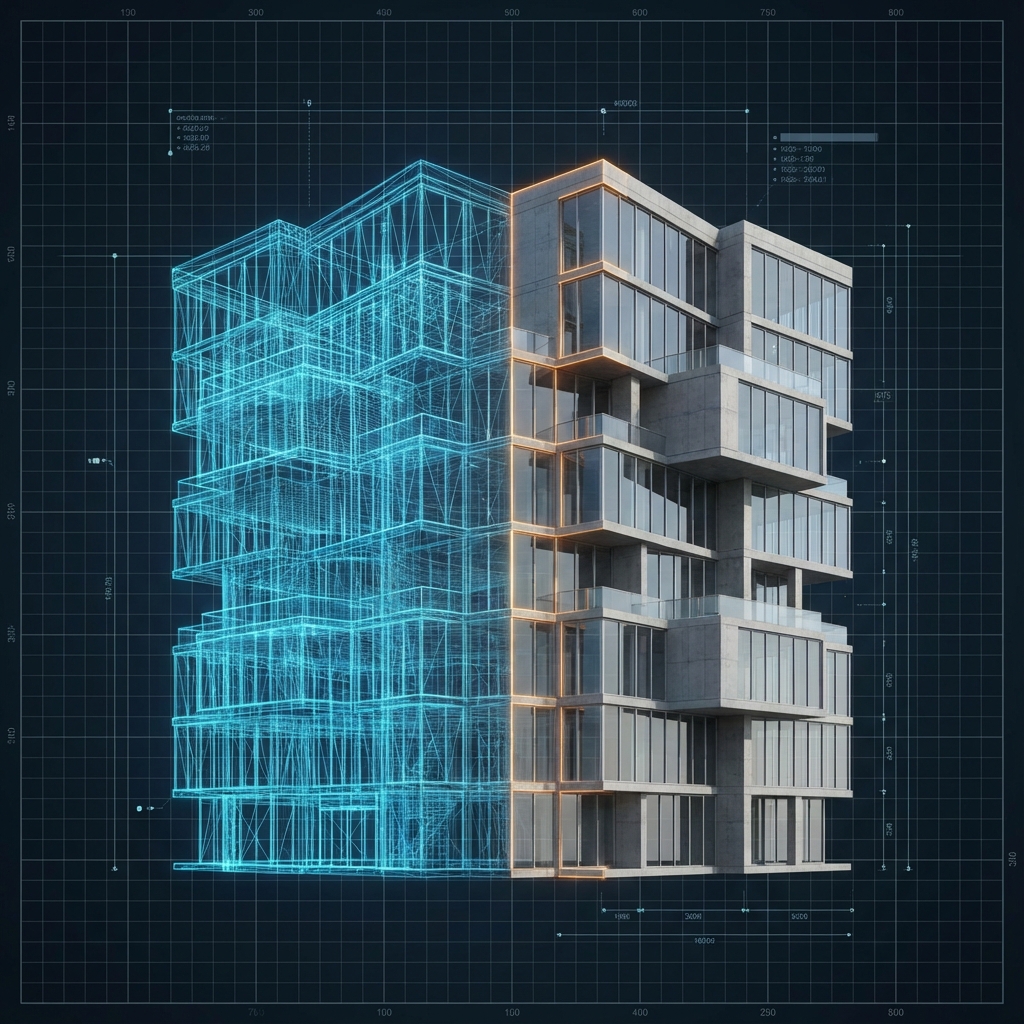
Convert point clouds to production-ready meshes. Learn decimation for real-time (Unreal) vs. high-poly for rendering. Master retopology in Blender/Maya for clean quad-based geology.
Phase 04 Texturing
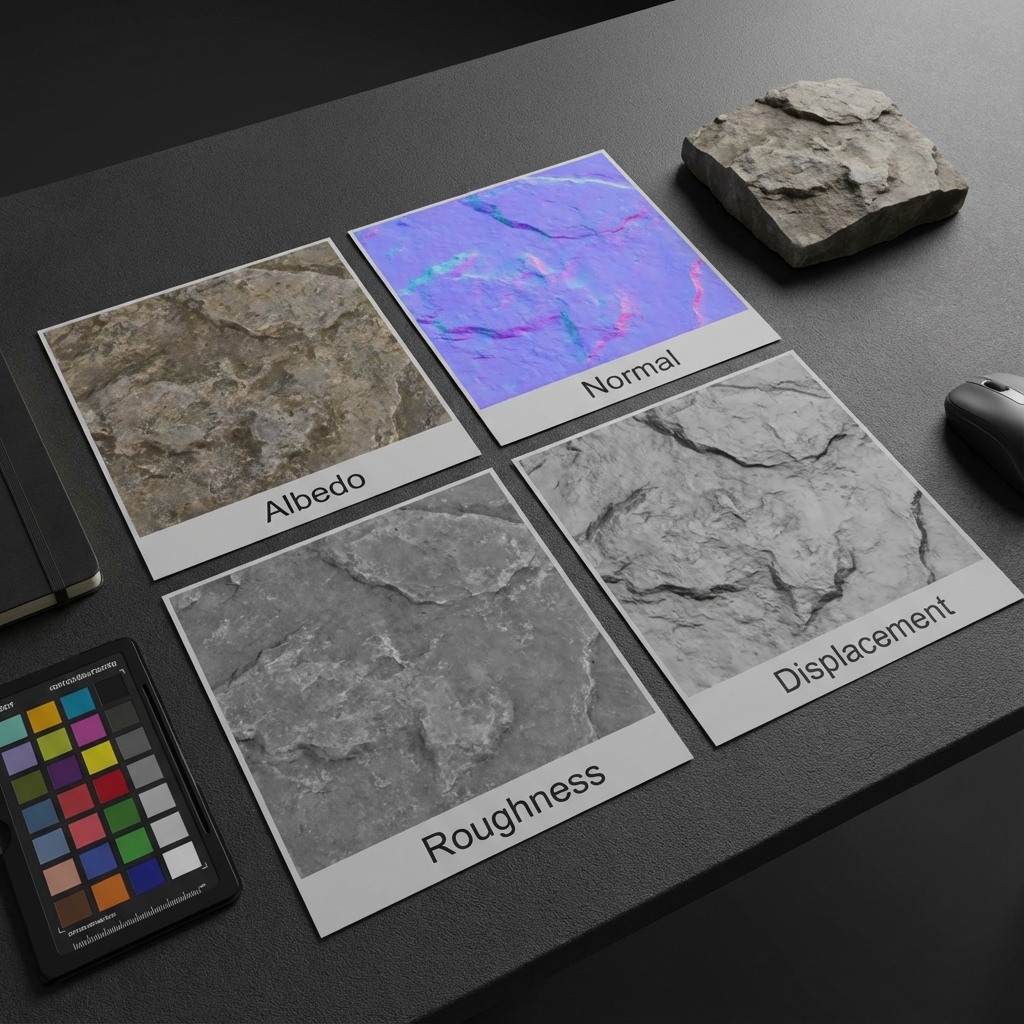
Generate 4K/8K PBR texture maps (Albedo, Normal, Roughness, Displacement) from scan data. De-lighting textures for neutral rendering and UV unwrapping complex organic shapes.
Tools Stack
- RealityCapture / Metashape — Photogrammetry processing
- CloudCompare — Point cloud editing and analysis
- Blender / Maya — Retopology and mesh cleanup
- Substance Painter — Texture refinement
- iPhone LiDAR / Polycam — Mobile scanning
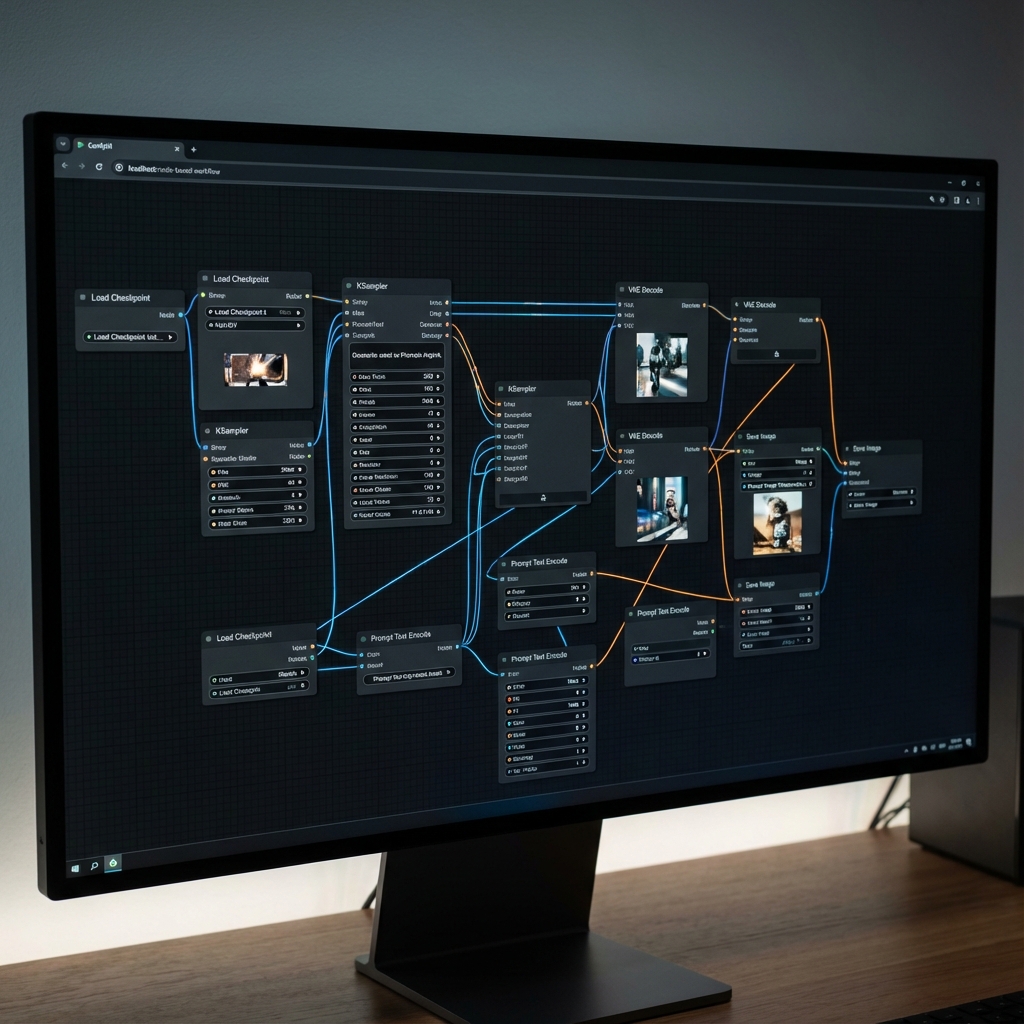
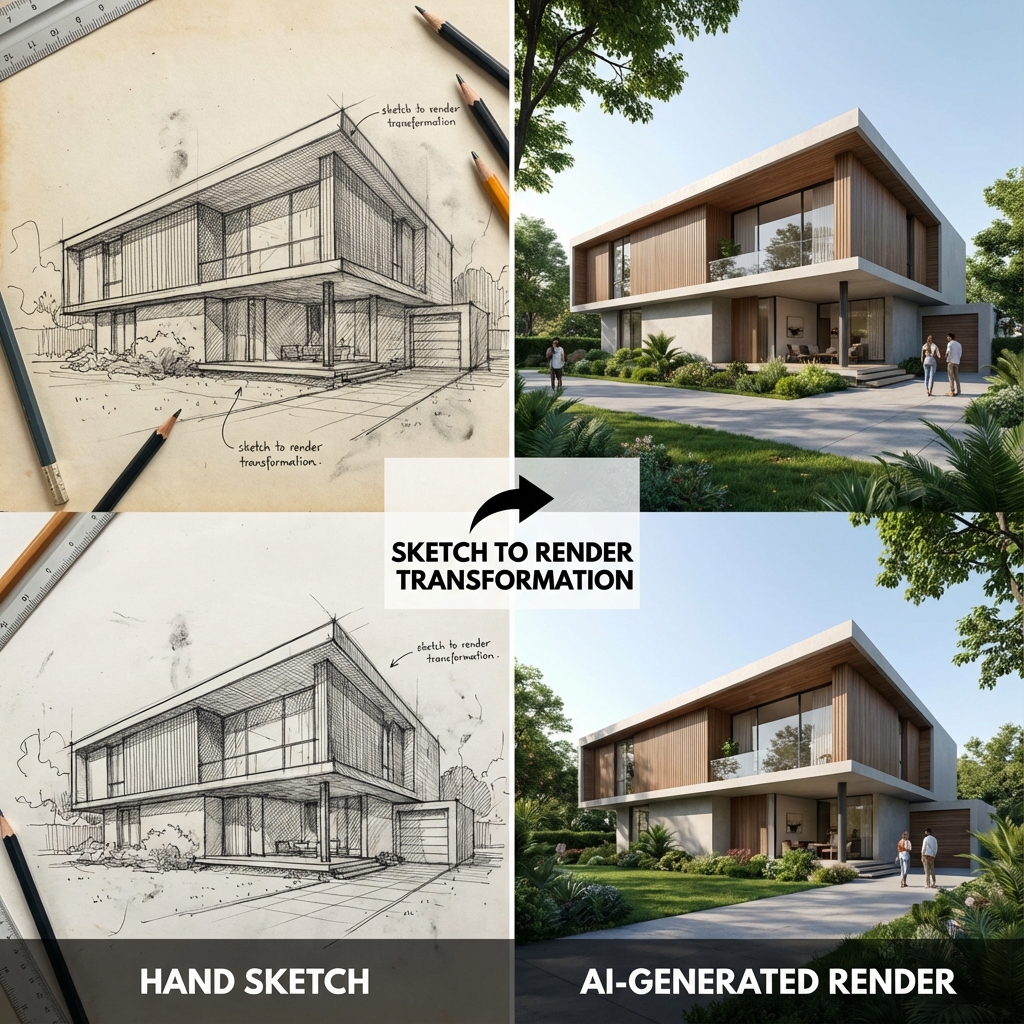
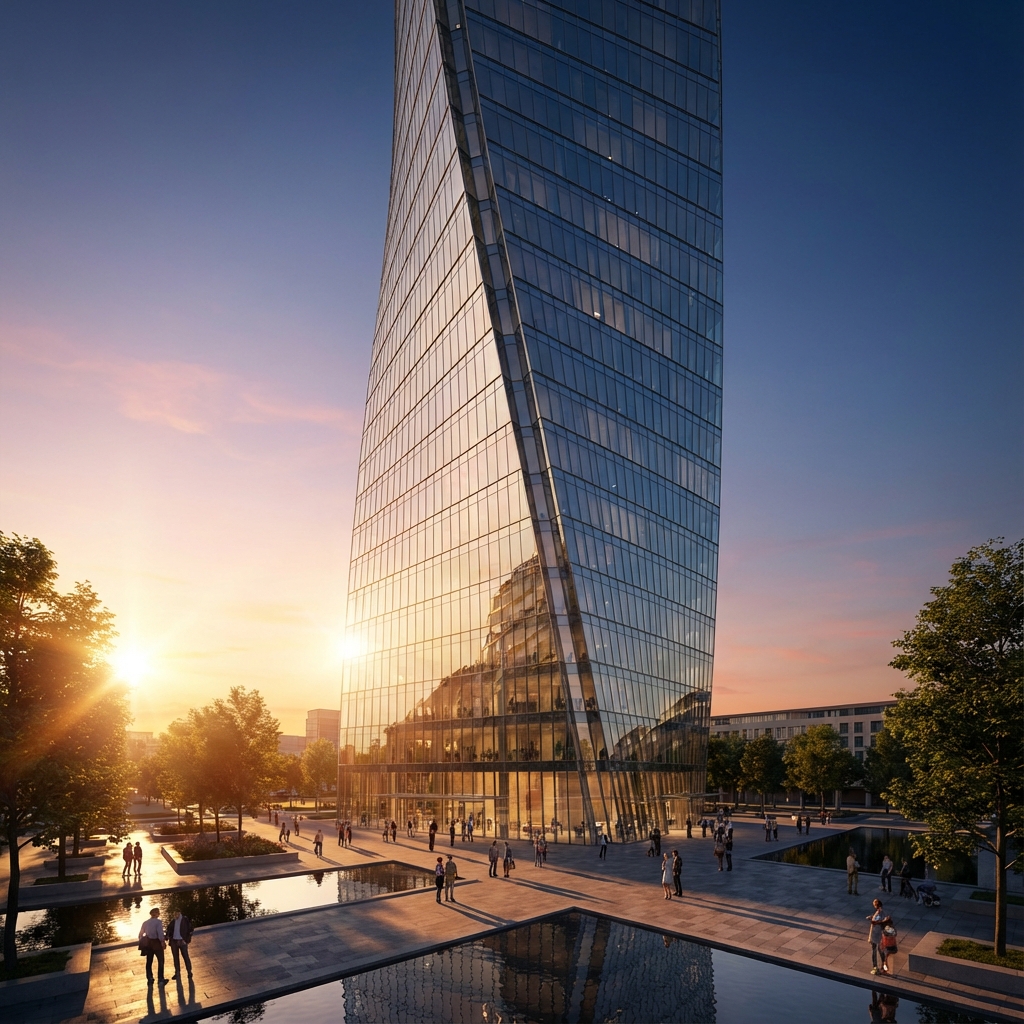

AI Rendering Pipelines
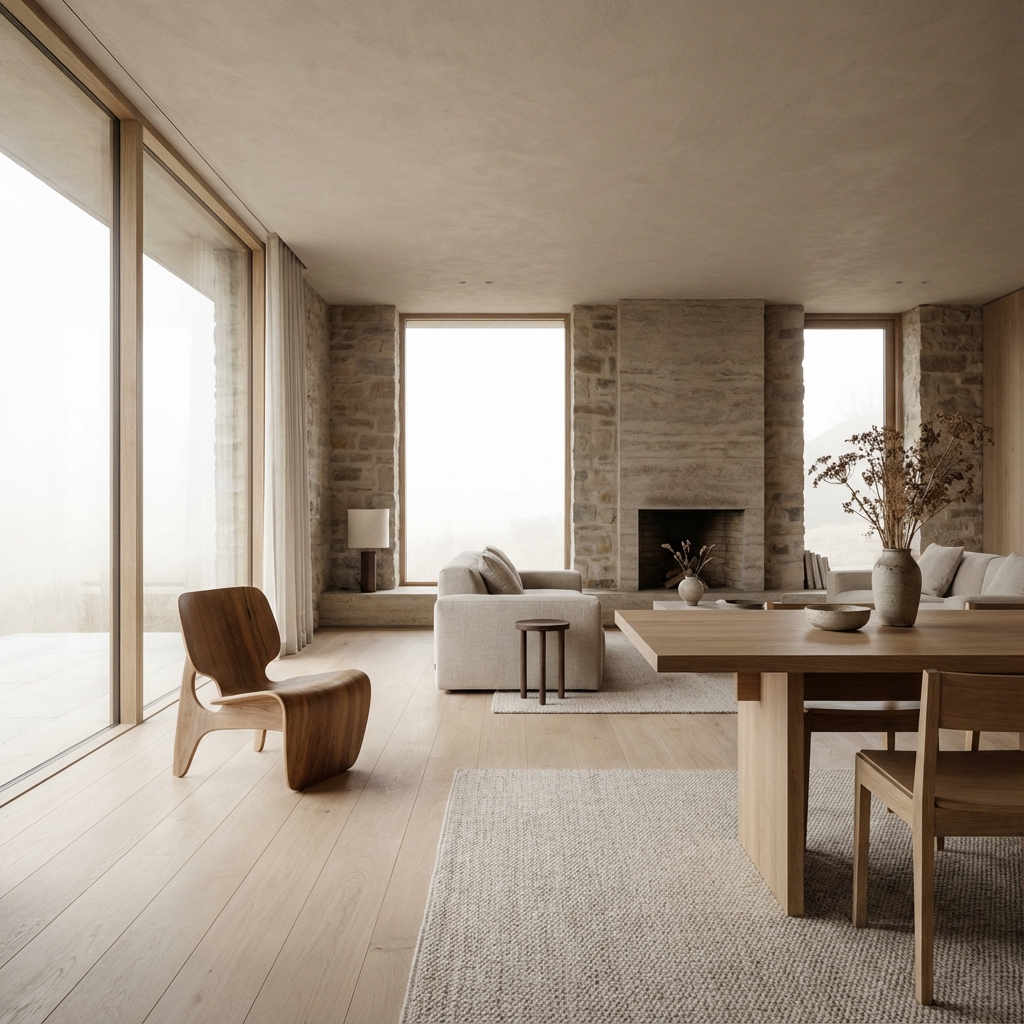
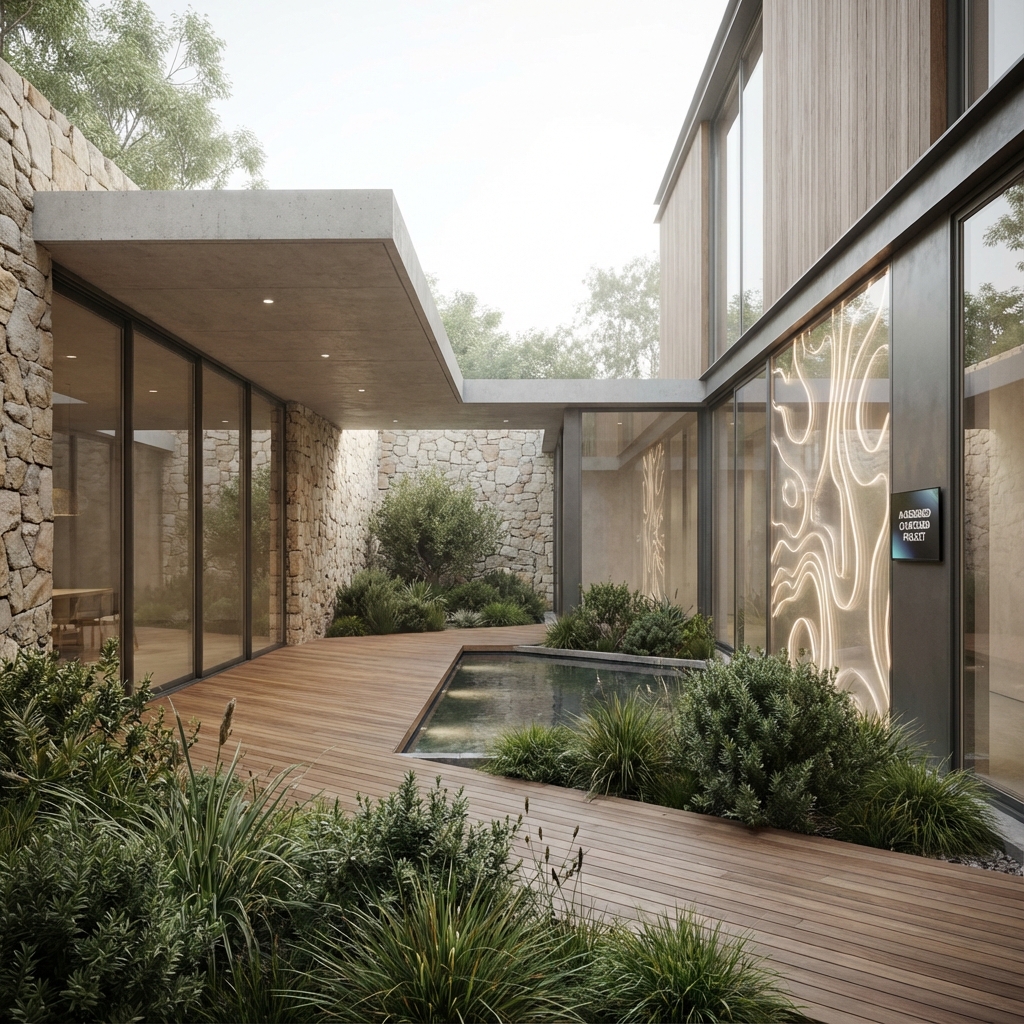
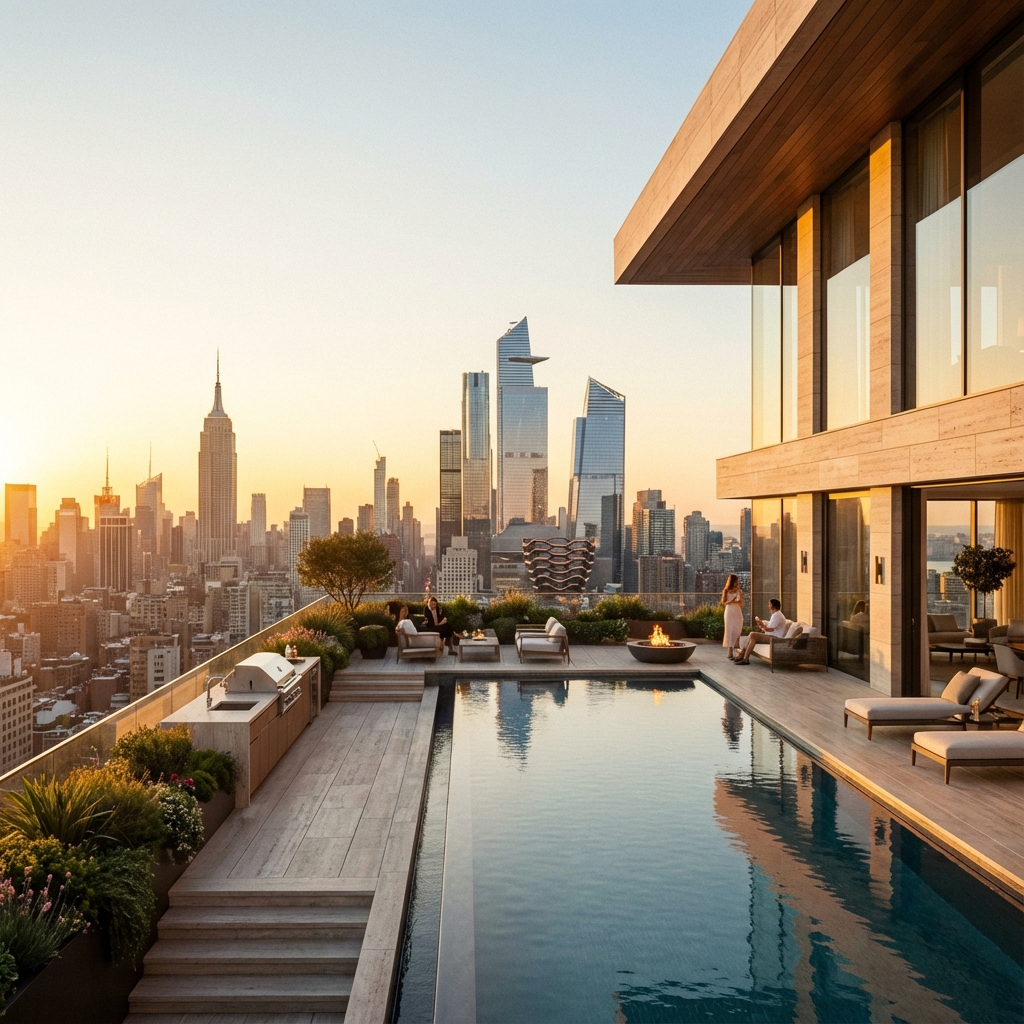
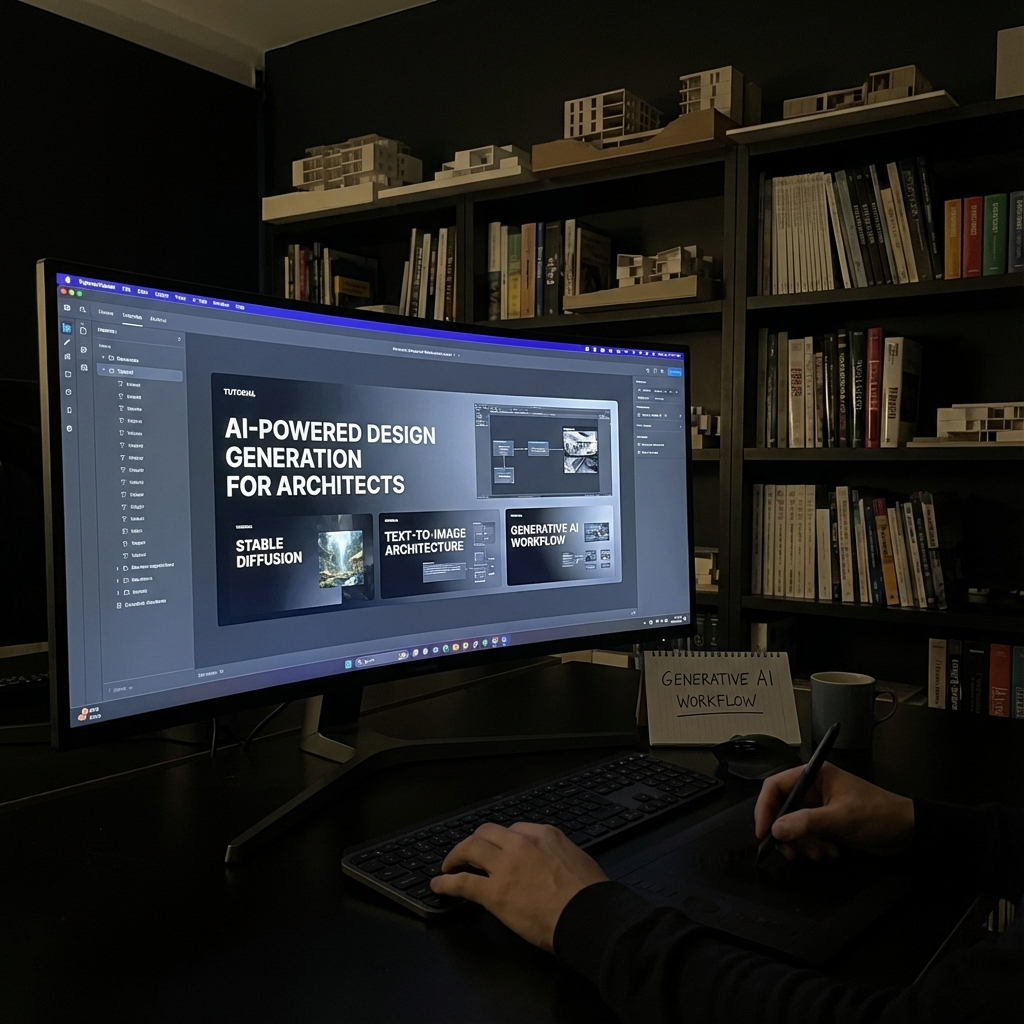
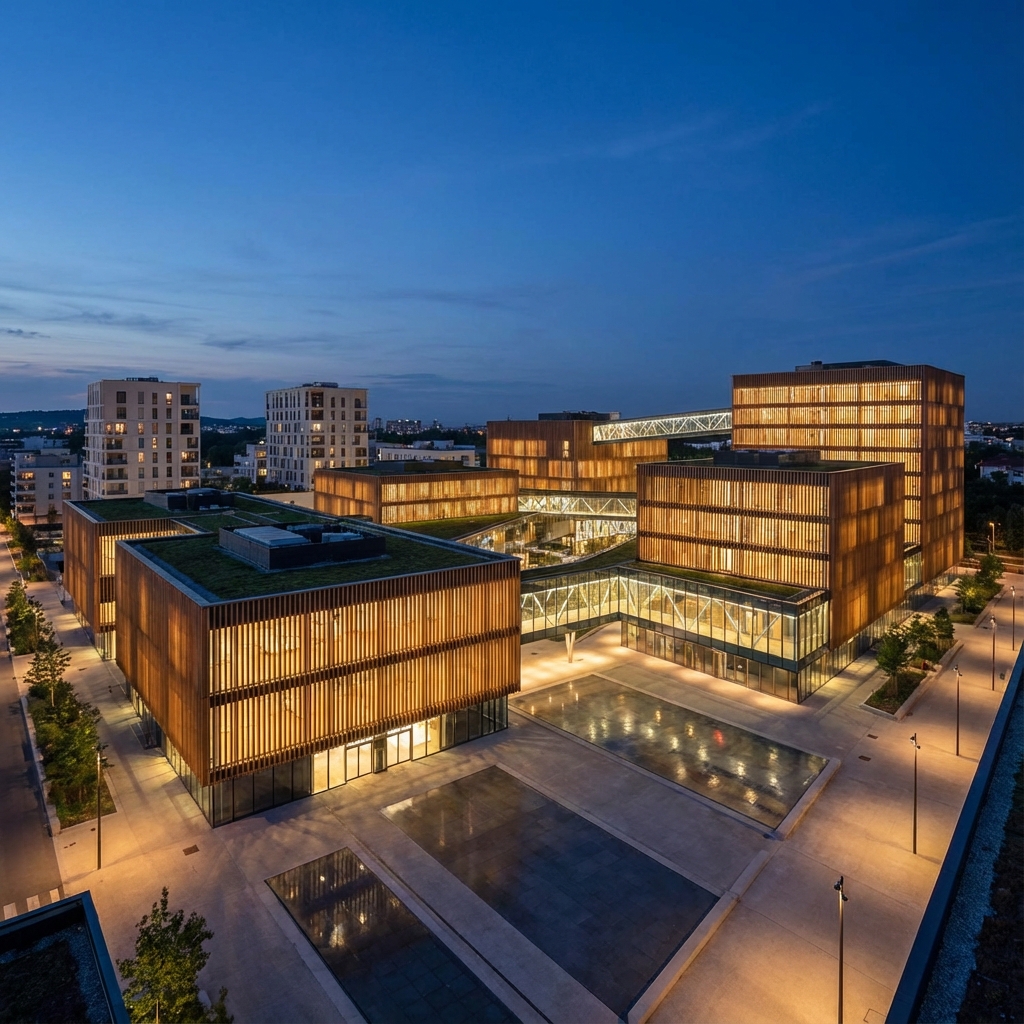
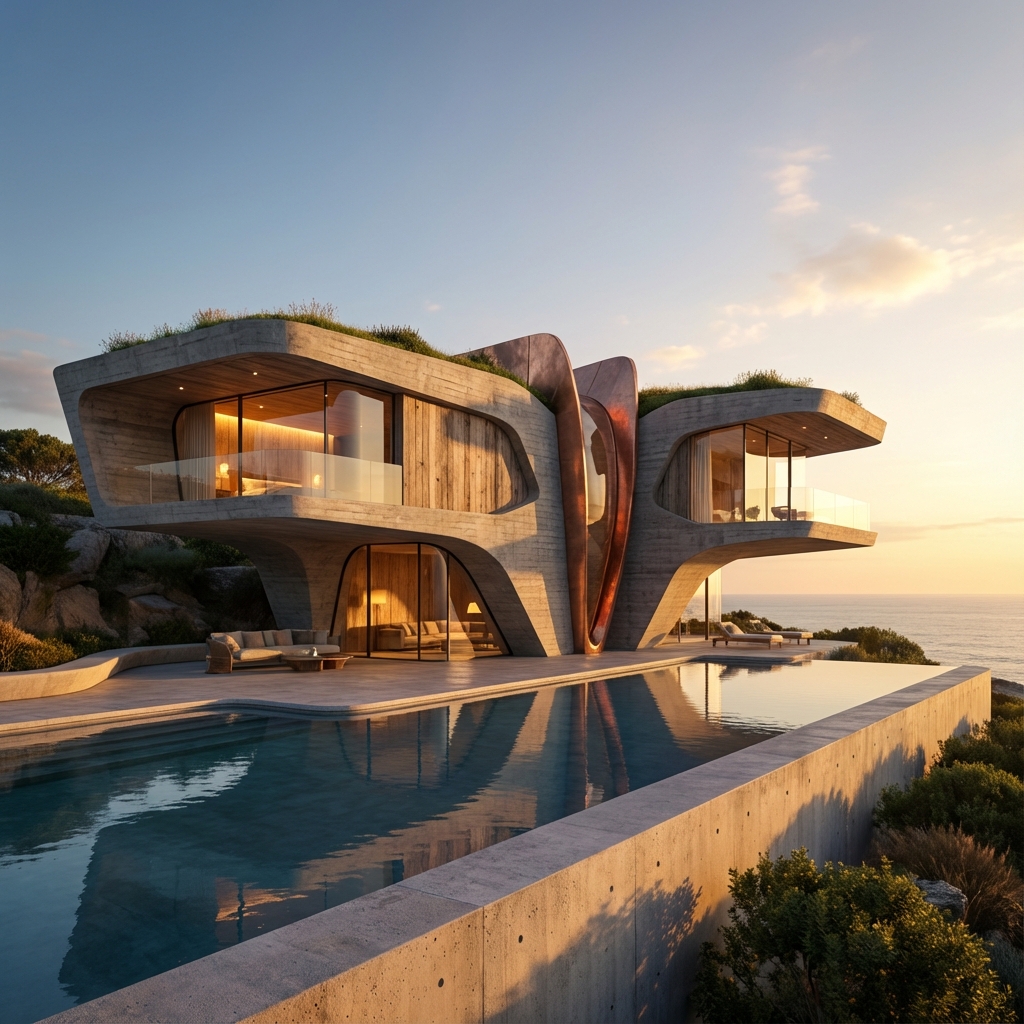
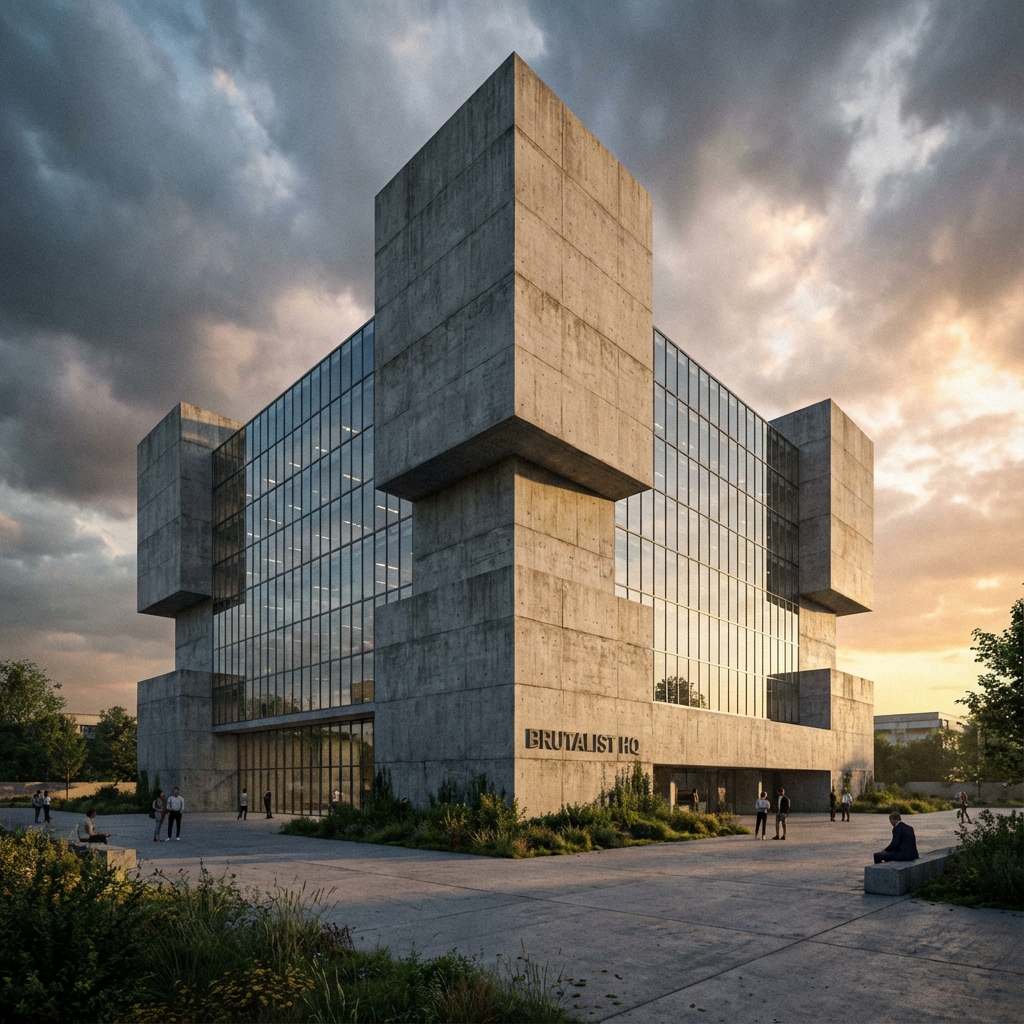
Transform architectural sketches and 3D models into photorealistic visualizations using open-source diffusion models. Master ComfyUI for complete creative control over your AI-powered rendering workflow.
We demystify how diffusion models work—from random noise to coherent images through iterative denoising. You'll understand the mathematics behind Stable Diffusion, Flux, and SDXL, enabling you to troubleshoot and optimize your own workflows rather than relying on black-box solutions.
Phase 01 Prompting
Master the syntax of Stable Diffusion. Understanding token weights, negative prompts, and how CLIP interprets natural language. Learn to describe architectural concepts in machine-understandable terms.
Phase 02 Node Arch
Build visual programming workflows with ComfyUI. Learn nodes: samplers, schedulers, VAEs, CLIP encoders. Create reusable workflow templates for common rendering tasks.
Phase 03 ControlNet
Extract depth maps and edge detection (Canny) from your 3D renders. Use ControlNet for precise spatial control. Learn IPAdapter for style transfer from reference images.
Phase 04 Production
Before/after comparison workflows. Batch processing multiple views. Upscaling and detail enhancement. Integration with Rhino/Grasshopper for automated pipeline.
Tools Stack
- ComfyUI — Node-based workflow builder
- Stable Diffusion / SDXL / Flux — Open-source models
- ControlNet / IPAdapter — Guided generation
- Midjourney / DALL-E — API comparison
- RunPod / Vast.ai — Cloud GPU options
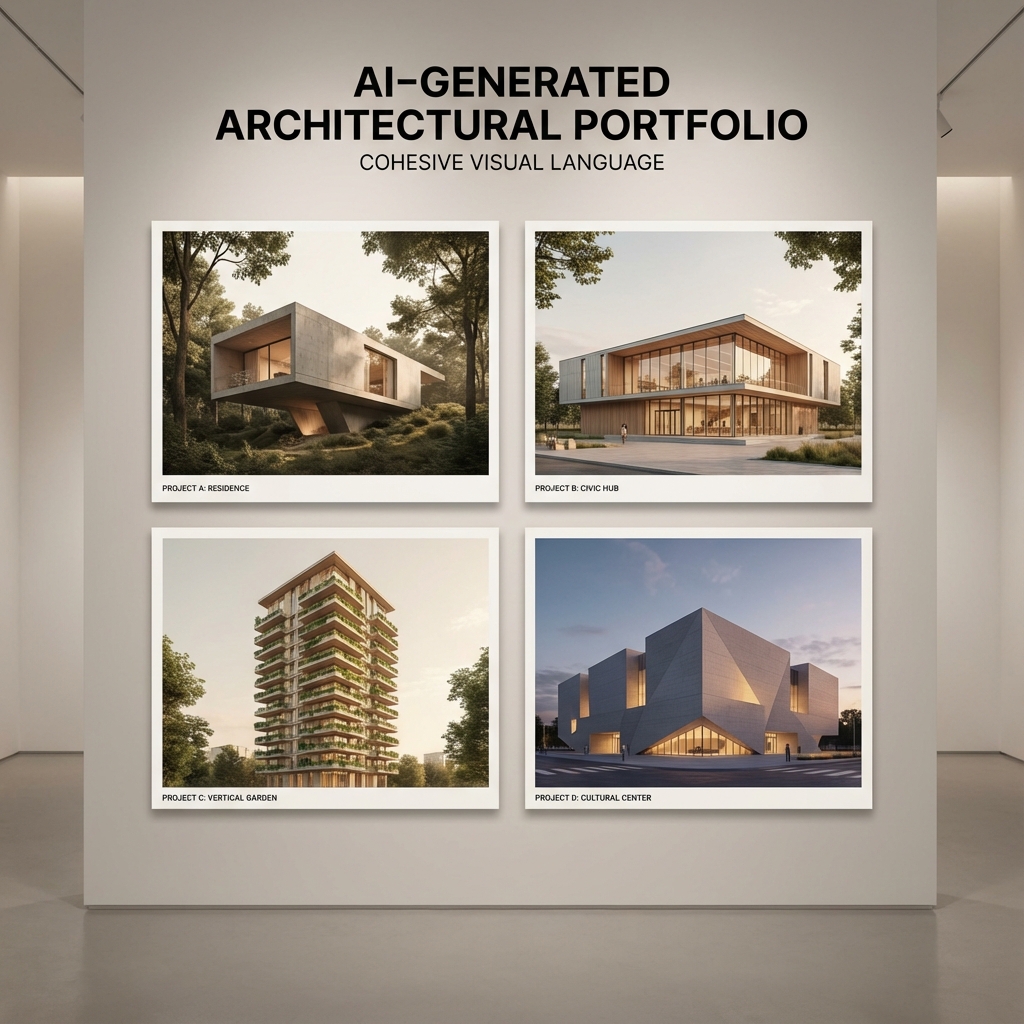
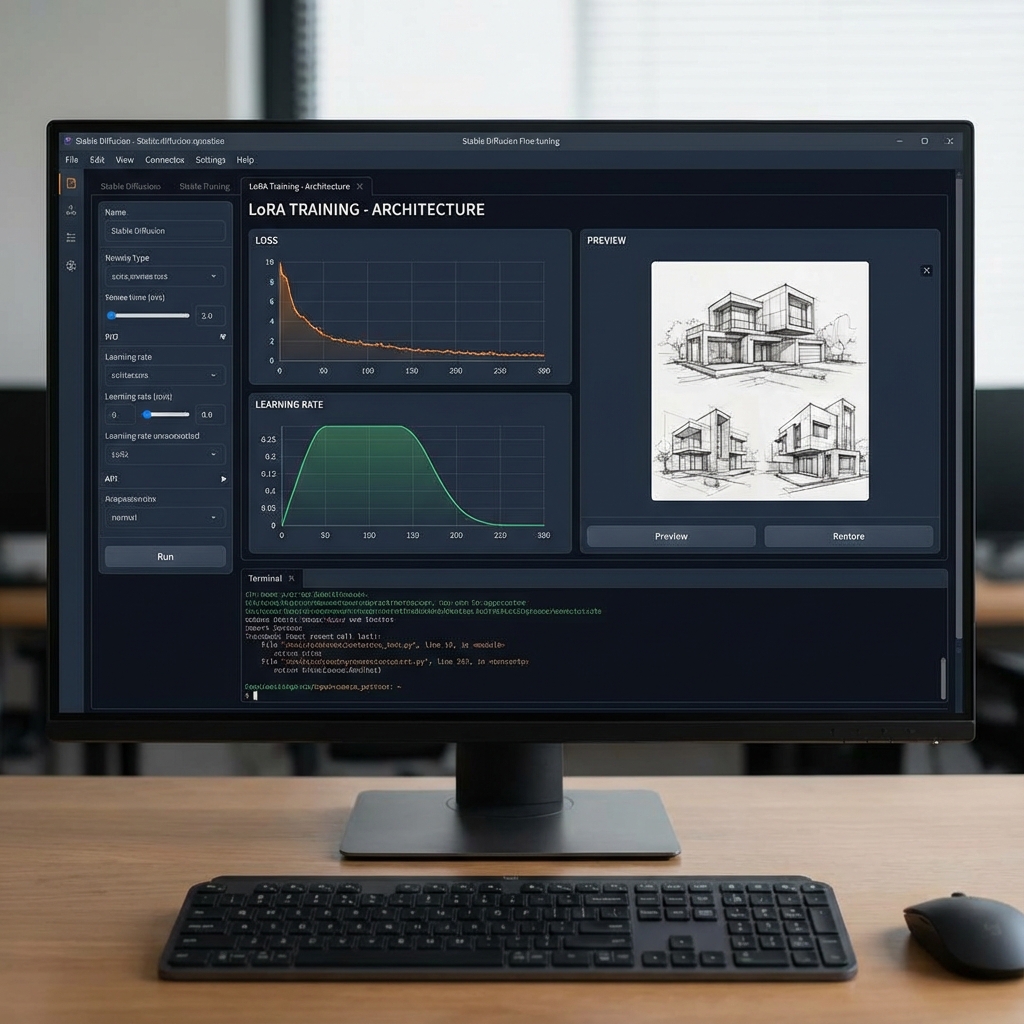
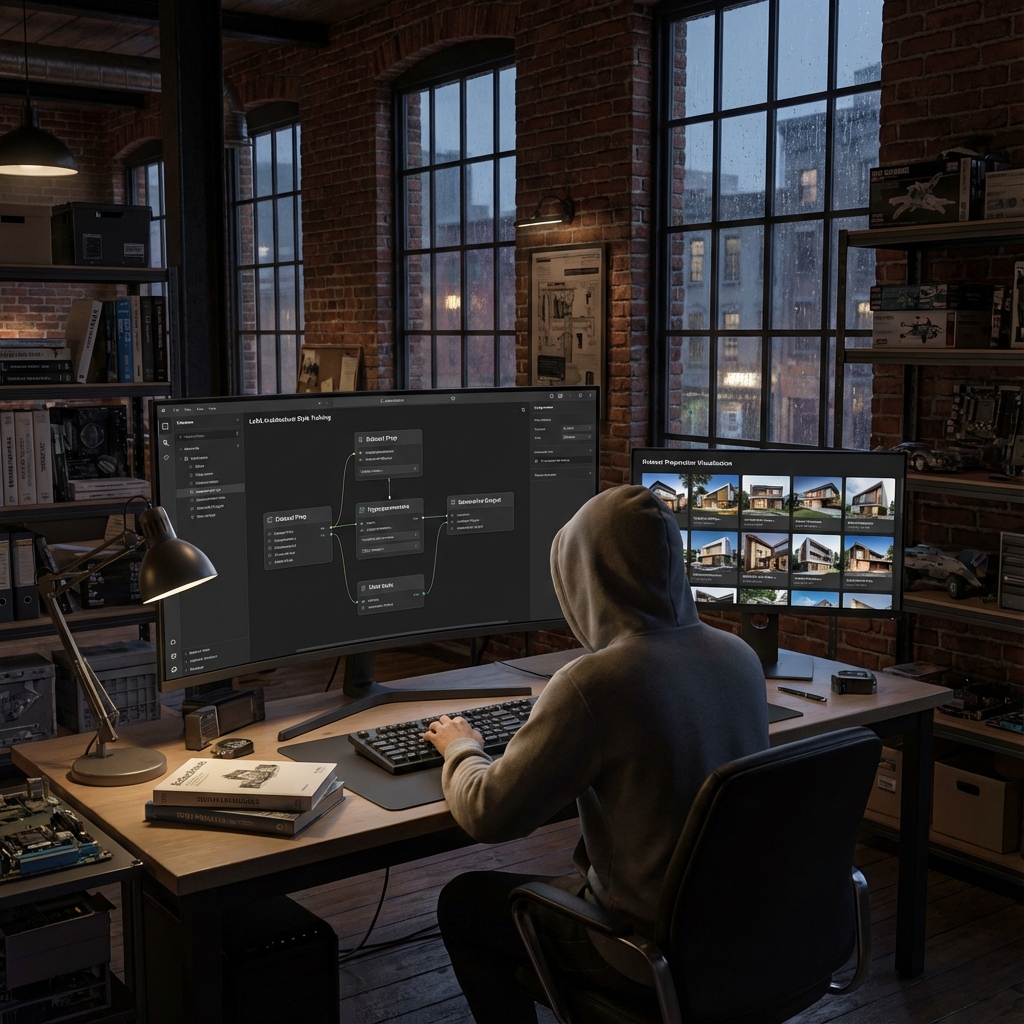
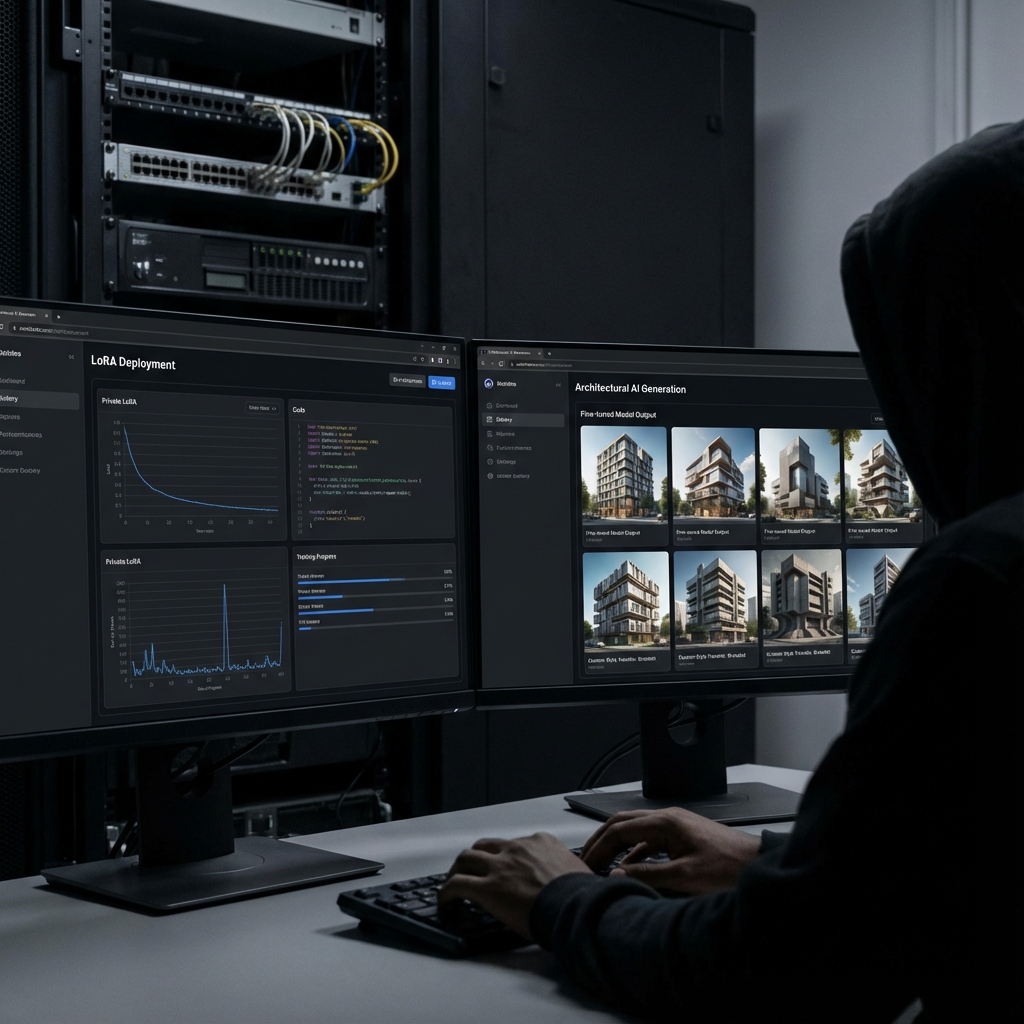
Private LoRA Training
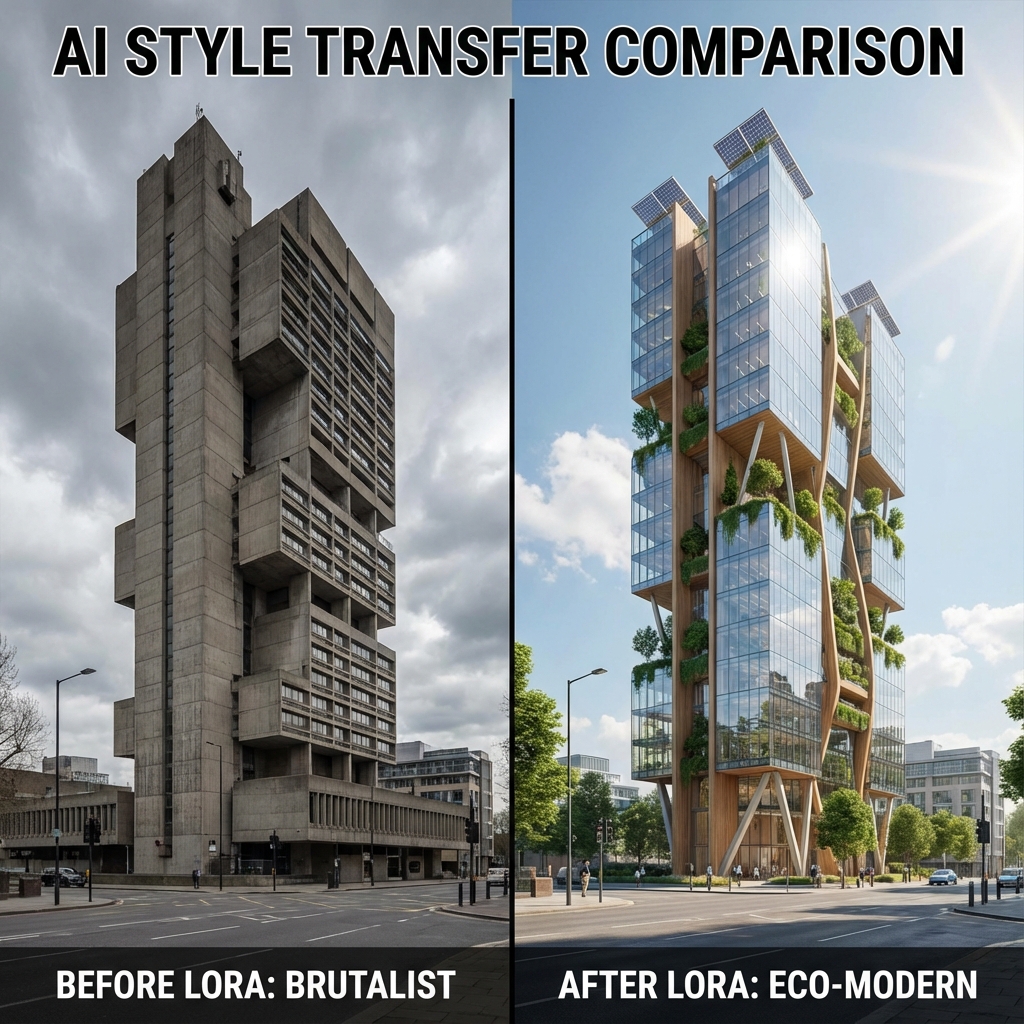
Condense your architecture firm's unique design language into a mathematical vector. Train custom AI models that understand your specific material choices, geometric preferences, and spatial compositions.
Generic AI models produce generic architecture. We teach you to extract the essence of your firm's portfolio—the subtle choices that define your aesthetic identity—and embed them into trainable Low-Rank Adaptations. The result: AI that thinks like your studio.
Phase 01 Analysis
Analyze your portfolio to identify recurring patterns—material palettes, window-to-wall ratios, massing strategies. Quality matters more than quantity: 30 well-chosen images outperform 500 random ones.
Phase 02 Definition
Develop a vocabulary of trigger words and concept descriptions that map to your aesthetic choices. Learn the difference between instance tokens and class tokens for architectural style capture.
Phase 03 Training
Configure Kohya_SS: learning rates, network dimensions vs regularization. Understand underfitting vs overfitting balance. Learn to read loss curves and evaluate training.
Phase 04 Transfer
Apply your trained LoRA to new prompts. Learn weight balancing for subtle vs. strong influence. Combine with other LoRAs for hybrid styles. Integrate into ComfyUI workflows.
Tools Stack
- Kohya_SS / sd-scripts — Training frameworks
- BLIP / Florence — Auto-captioning
- Tensorboard — Training visualization
- Hugging Face — Model hosting
- RunPod / Lambda — GPU training

Computational Design
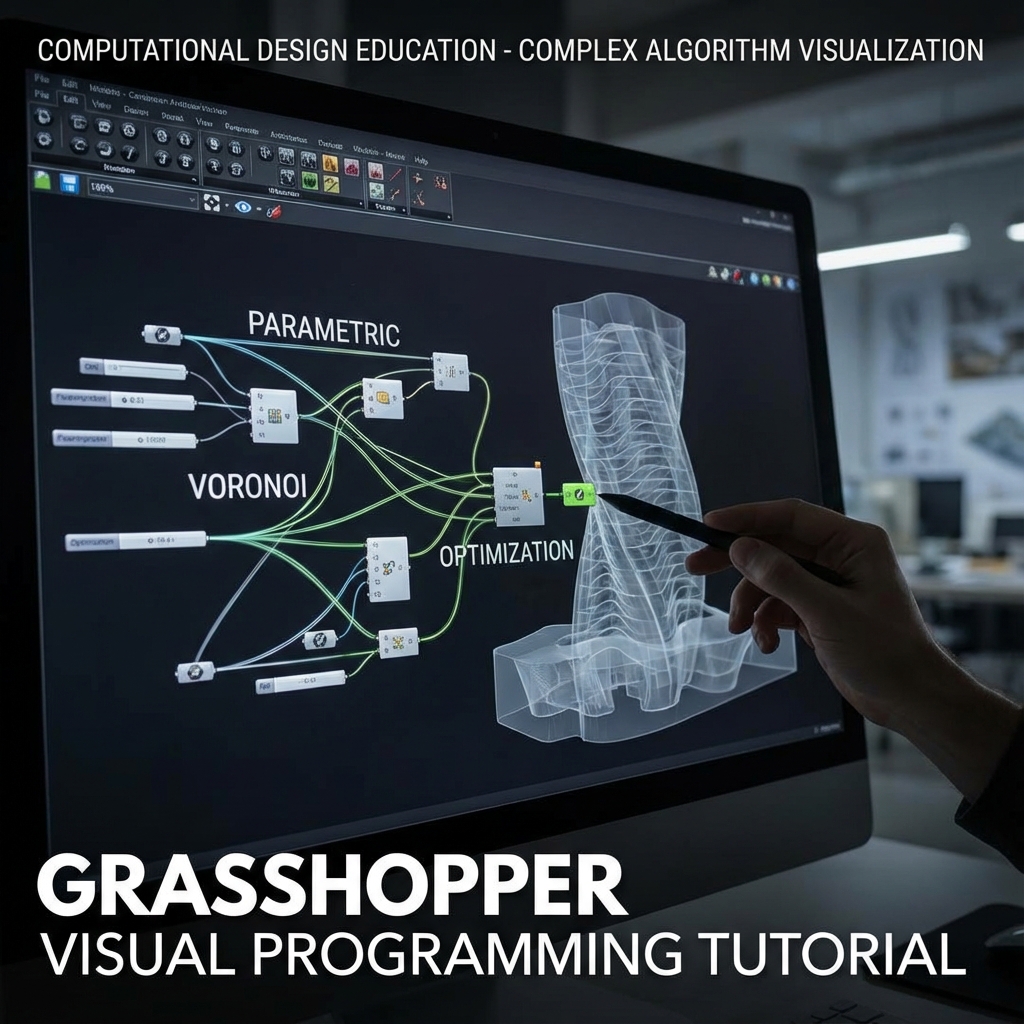
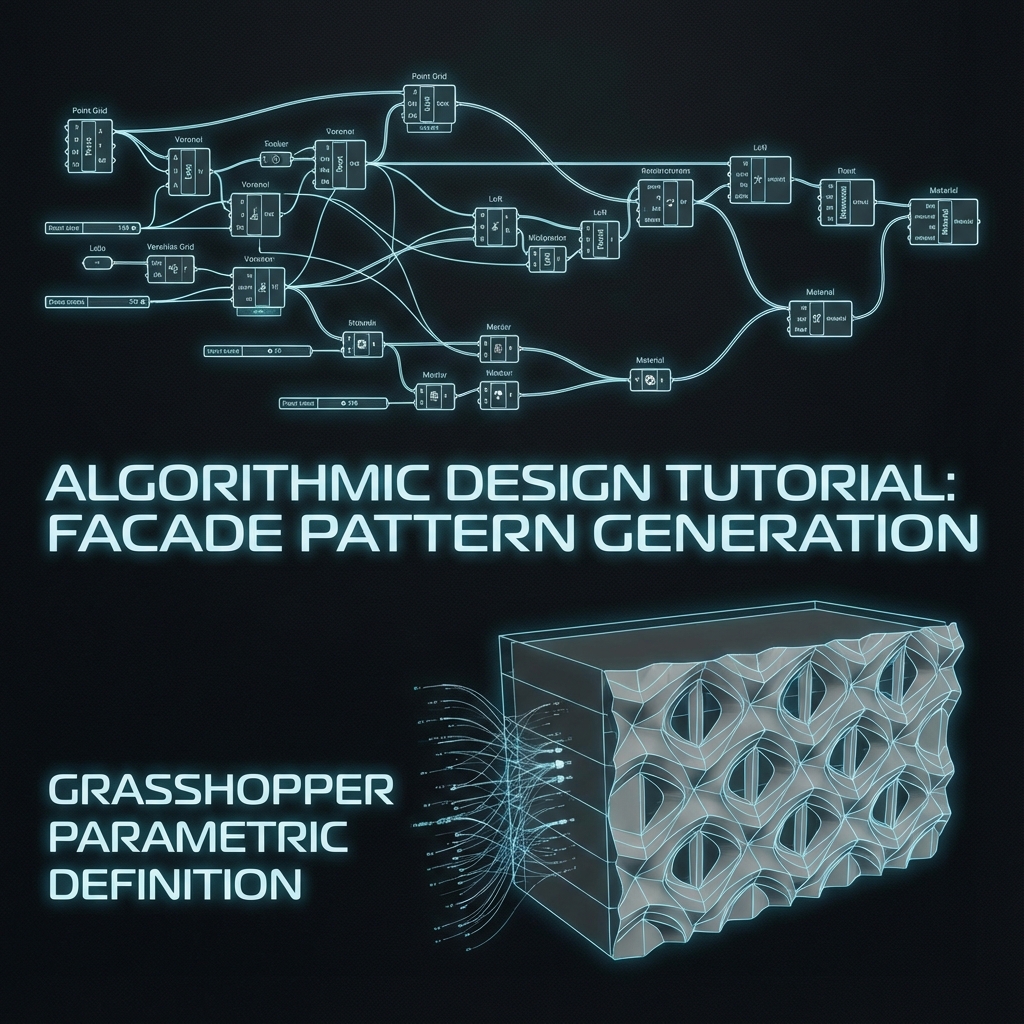
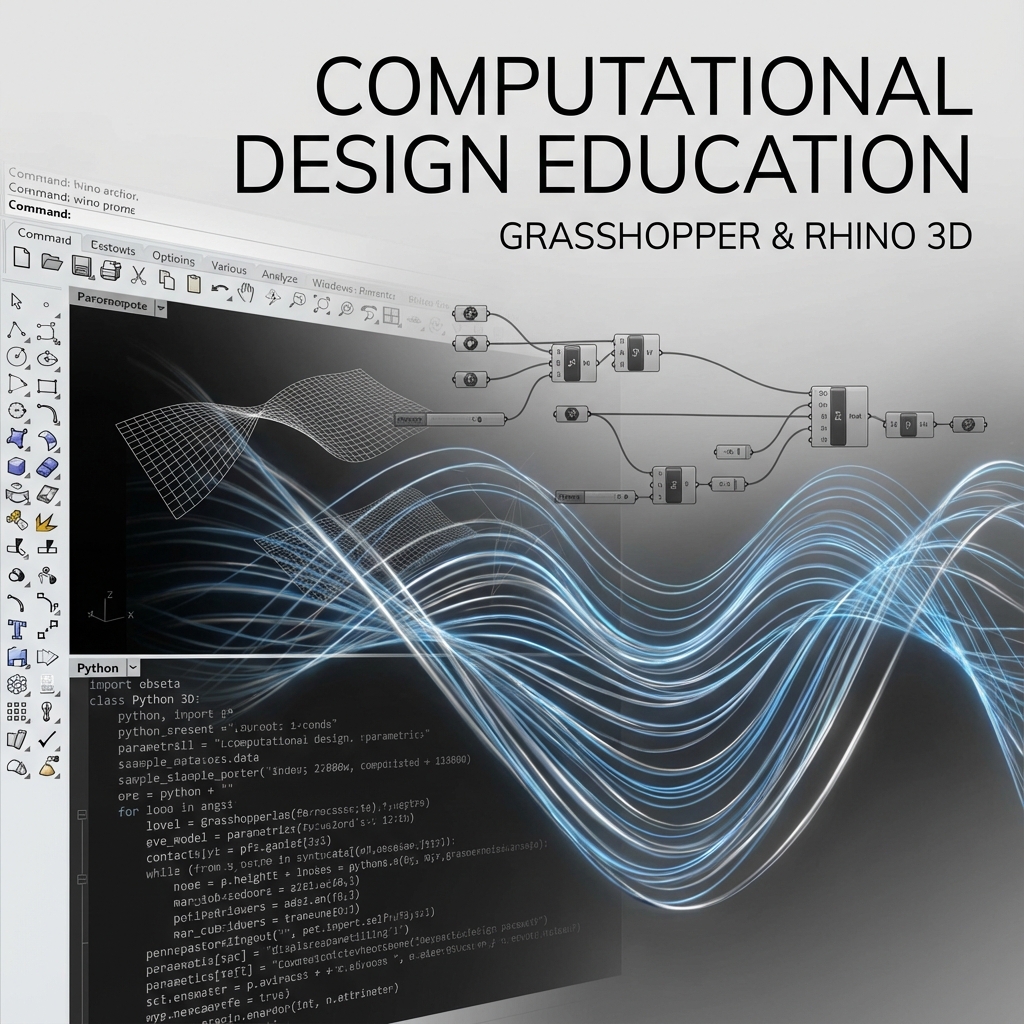
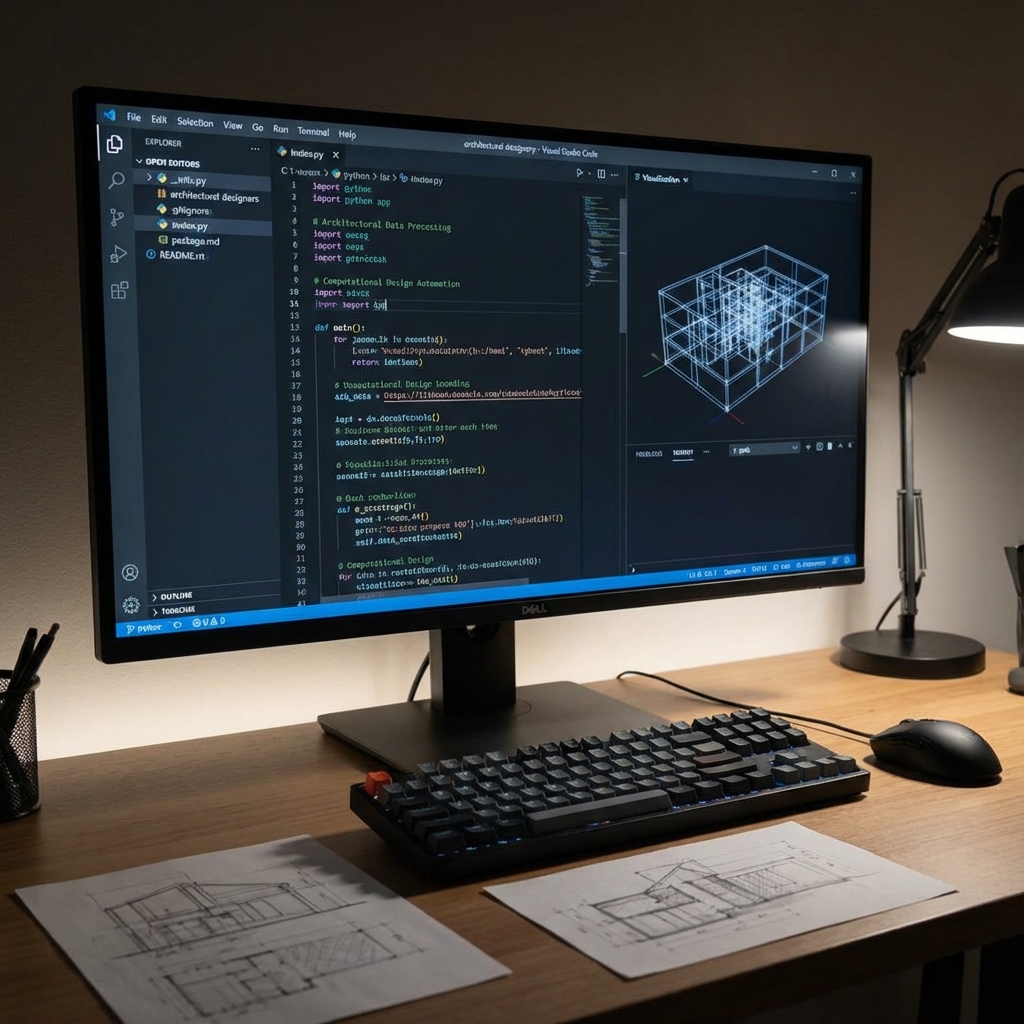
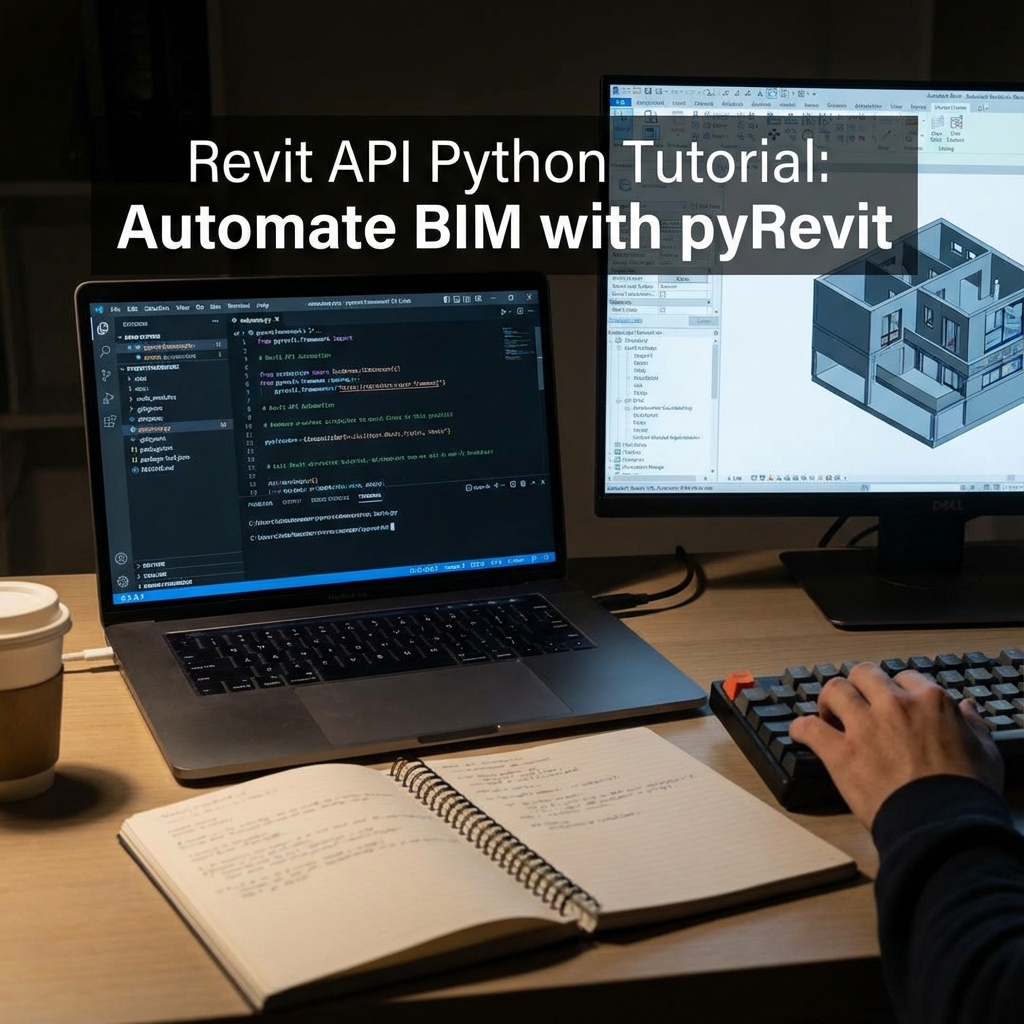
Master the art of algorithmic form-making. From visual programming to node-based procedural systems, build the skills to generate complex geometry that adapts, optimizes, and evolves.
This module covers the major platforms for computational design: Rhino/Grasshopper for architecture, Houdini for VFX, Blender Geometry Nodes for 3D art, and Unreal Blueprints for real-time interactive experiences.
Phase 01 Visual Programming Fundamentals
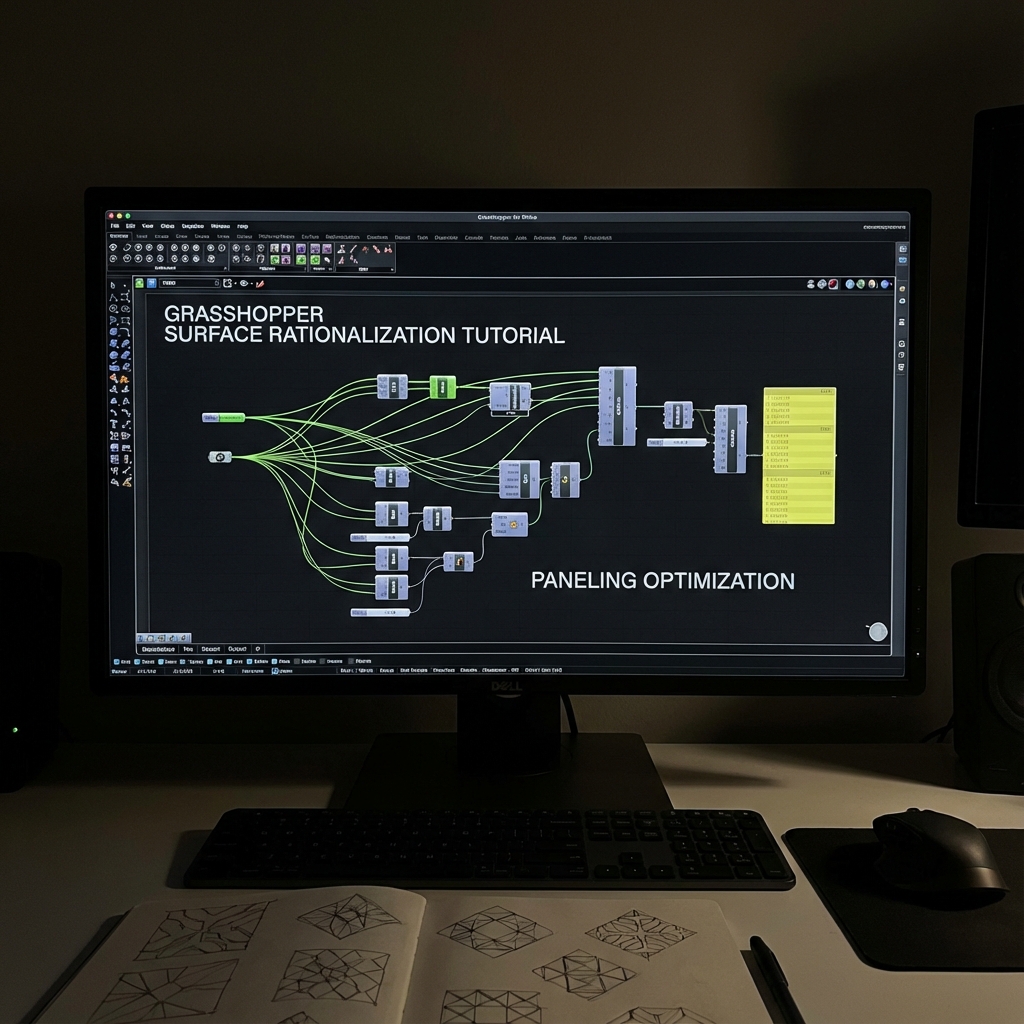
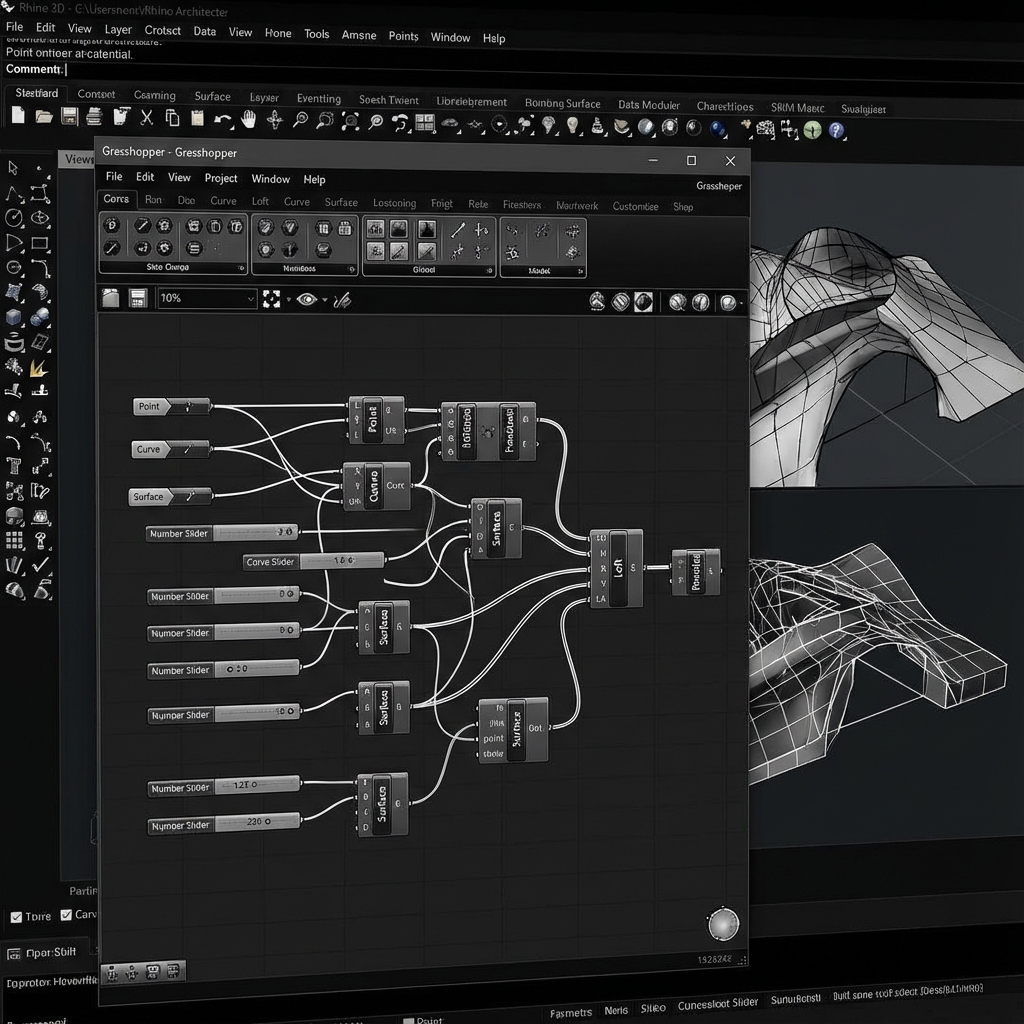
Understand nodes, data trees, and flow-based logic. Learn to think in graphs rather than linear code. Master data matching, list operations, and parametric relationships.
Phase 02 Rhino + Grasshopper
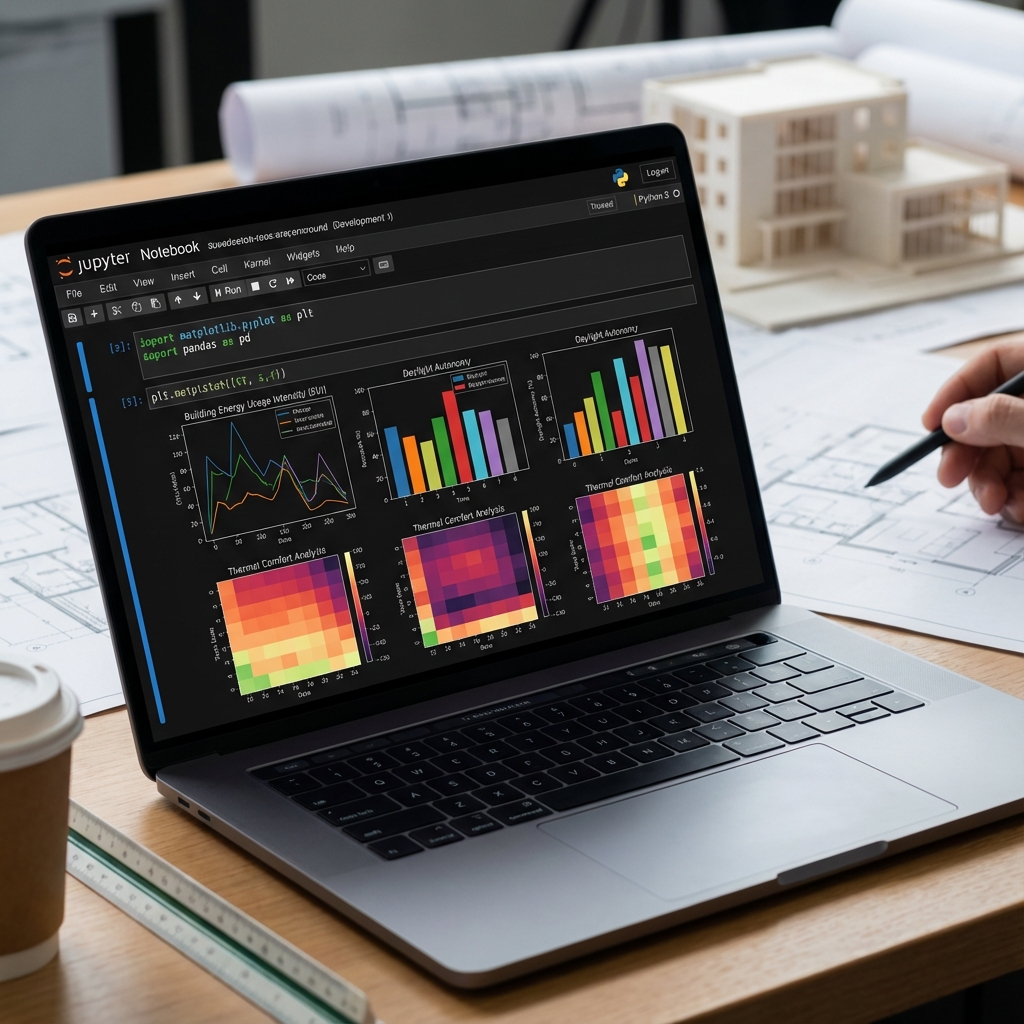
Build architectural geometry: surfaces, meshes, and NURBS. Create responsive facades, structural optimization scripts, and environmental analysis workflows. Integrate with Karamba, Ladybug, and Kangaroo.
Phase 03 Houdini + Blender GN
Procedural modeling for film and games. Create scatter systems, destruction simulations, and infinite variation assets. Build reusable node groups for efficient production pipelines.
Phase 04 Unreal Blueprints + PCG
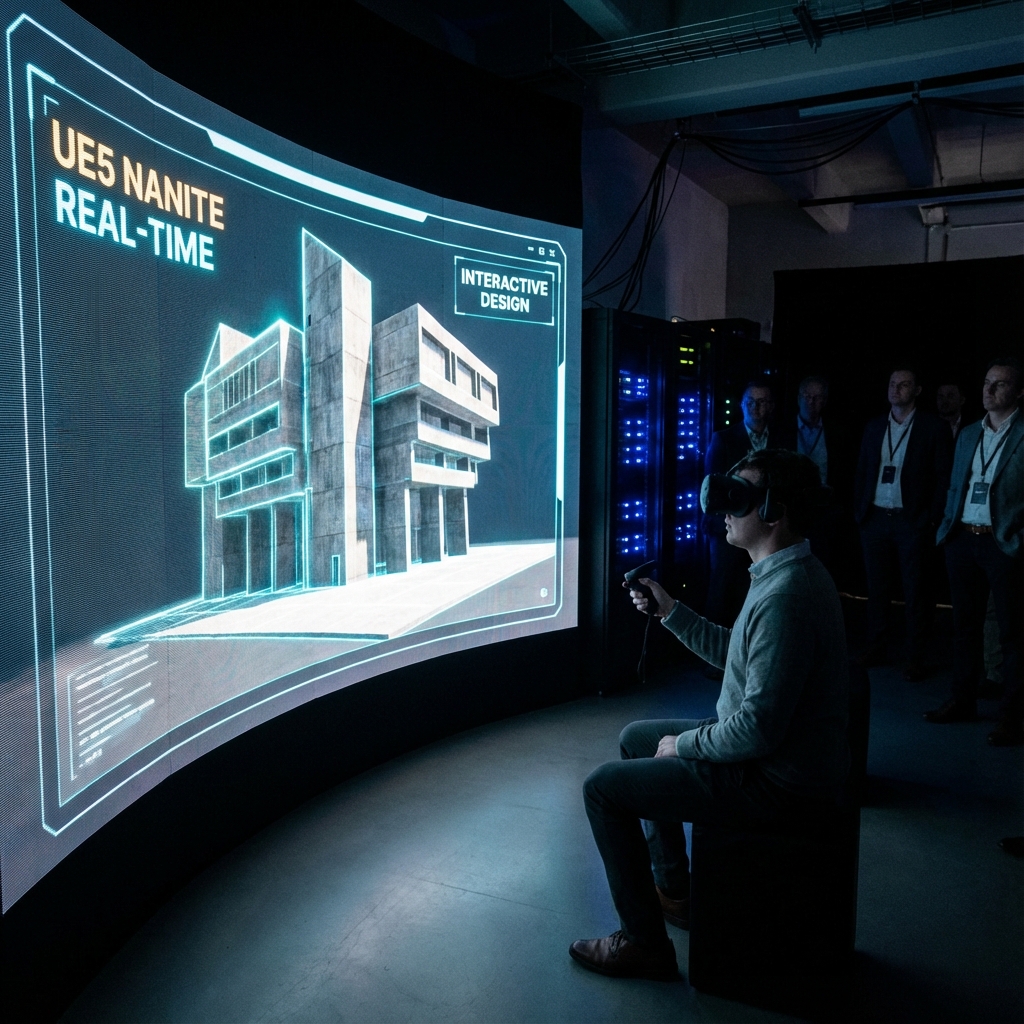
Real-time procedural generation. Create interactive architectural experiences, VR walkthroughs, and game-ready environments. Master the Procedural Content Generation framework.
Tools Stack
- Rhino 8 + Grasshopper — Architecture
- Houdini Indie — VFX & Simulation
- Blender Geometry Nodes — 3D Art
- Unreal Engine 5 Blueprints — Real-time
- ComfyUI — AI Integration